Adobe Lightroom

Ever wished your photos could look professional with just a few clicks, no matter where you are?

RecommendedAdobe Lightroom provides a robust, cloud-synced photo editing and management platform with excellent learning tools for photographers of all levels.

Adobe Lightroom offers powerful and precise photo editing directly from your browser, allowing users to organize, process, and share images across multiple devices. It provides a comprehensive workflow for photographers of all skill levels, from beginners to professionals, with cloud storage and synchronization.
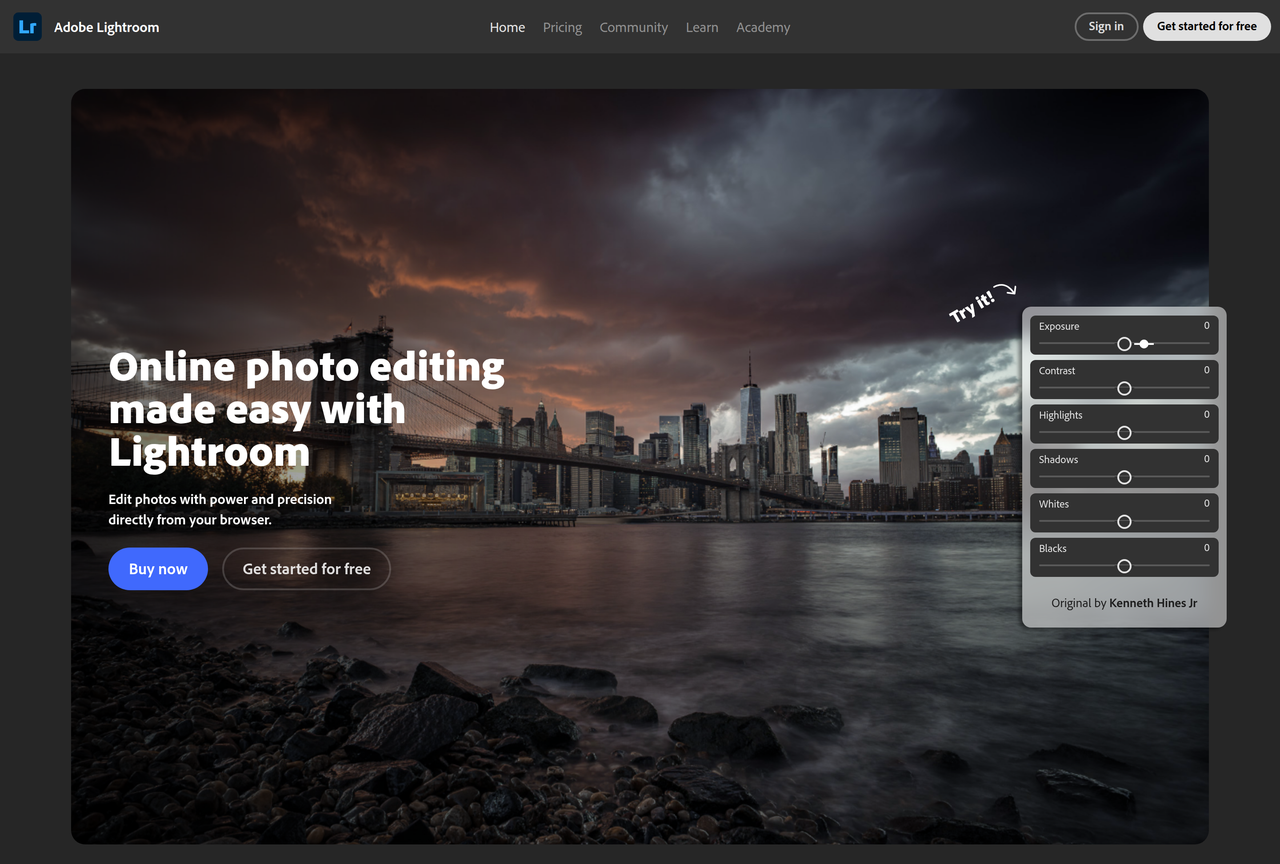
Key Features:
  • Online photo editing from browser
  • Cloud-based photo storage and synchronization
  • Guided interactive tutorials
  • Community feed for inspiration and presets
  • Cross-device access (desktop, mobile, web)
Pros
  • Photographers needing powerful editing tools on the go
  • Content creators who want to organize and share photos easily
  • Beginners looking for guided tutorials to improve their editing skills
Cons
  • Requires an Adobe Creative Cloud subscription
  • May have a learning curve for advanced features
  • Performance can depend on internet connection for cloud features
Pricing
paidFree tier
Trial:free desktop trial
Share:
Quick Decision
Try if: You are a photographer looking for a powerful, cloud-integrated editing solution that works across all your devices and offers extensive learning resources.
Skip if: You prefer a completely free editing solution or require a purely offline photo management system.
Not for: Users who prefer desktop-only photo management without cloud integration; Individuals seeking free, open-source photo editing software
Trust Signals
  • Team Size


    large
Tech Details
Platforms
webdesktopmobile
Open Source
No
Support
Channels
Help & Support
Company
  • Name


    Adobe

Adobe is a global leader in digital media and digital marketing solutions.

FAQ

Is Adobe Lightroom free to use?

Adobe Lightroom offers a free desktop trial and free mobile apps, but full functionality and cloud storage typically require a paid Adobe Creative Cloud membership.

What devices can I use Adobe Lightroom on?

You can use Adobe Lightroom on your desktop, phone, tablet, and directly from your web browser, with all changes synchronizing across your devices.

How does Lightroom help me learn photo editing?

Lightroom includes a 'Learn' panel with over 750 guided interactive tutorials from leading photographers, covering various topics, tools, and skill levels.

Use Cases
  • Photographers needing powerful editing tools on the go
  • Content creators who want to organize and share photos easily
  • Beginners looking for guided tutorials to improve their editing skills
AILookup

Research utility for AI tools. Compare reviewed profiles, distinguish listed tools from reviewed coverage, and track tool changes without marketing fluff.

© 2026 AILookup. All rights reserved.