AI Video Enhancer Online

Ever wished your blurry old videos could look crisp and clear in 4K with just a few clicks?

NicheHitPaw Online AI Video Enhancer offers a user-friendly, AI-driven solution for improving video quality and resolution with specialized models for diverse content.

HitPaw Online AI Video Enhancer is a web-based tool that leverages AI models to improve video quality, upscale resolution to 1080p or 4K, and remove noise without watermarks. It offers specialized AI models for faces, animation, low-light conditions, and general denoise, catering to various video enhancement needs.
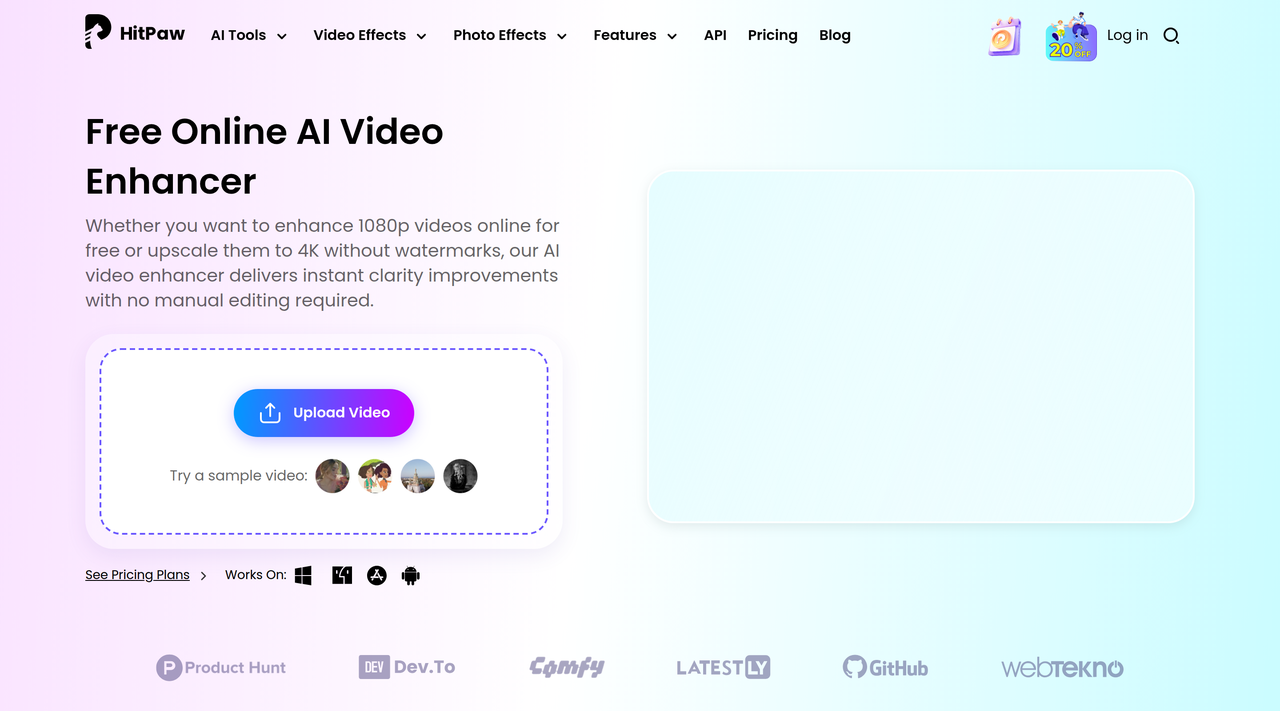
Key Features:
  • AI-powered video enhancement to 1080p and 4K.
  • Specialized AI models: Face, General Denoise, Animation, Colorize, AI Lightener, Low-light Enhancement.
  • No watermarks on enhanced videos (paid tiers).
  • Supports various output formats like MP4, MOV, or MKV.
  • One-click enhancement with no manual editing required.
Pros
  • Film lovers wanting to restore old movies to 1080P & 4K.
  • Video creators needing to upscale blurry or low-quality videos for social media.
  • Anime fans looking to upscale animated content to 1080P or 4K without artifacts.
Cons
  • Free tier has limited exports and upload file size, and only offers preview for AI enhancement.
  • Refund policy is strict, requiring less than 5 minutes or 100MB of video enhancement used.
  • Pricing is credit-based, which might be less predictable for heavy users.
Pricing
freemiumFree tier
Starting at:$9.99/week
Free tier:AI Video Enhancer: preview only; Video Watermark Remover: preview only; AI Photo Enhancer: preview only; AI Generator not included; AI Audio Enhancer: preview only; Limited exports; Limited upload file size.
Plans
  • Free: Preview only for AI tools, limited exports and upload size.
  • Weekly ($9.99): 300 AI Credits/Week, AI Video Enhancer up to 600 seconds, Video Watermark Remover up to 900 seconds, AI Photo Enhancer up to 300 images, AI Video Generator up to 30 videos, AI Photo Generator up to 150 images, AI Audio Enhancer up to 3000 seconds.
  • Monthly ($24.99): 1200 AI Credits/Month, AI Video Enhancer up to 2400 seconds, Video Watermark Remover up to 3600 seconds, AI Photo Enhancer up to 1200 images, AI Video Generator up to 60 videos, AI Photo Generator up to 600 images, AI Audio Enhancer up to 12000 seconds.
  • Yearly ($79.99): 3000 AI Credits/Year, AI Video Enhancer up to 6000 seconds, Video Watermark Remover up to 9000 seconds, AI Photo Enhancer up to 3000 images, AI Video Generator up to 300 videos, AI Photo Generator up to 1500 images, AI Audio Enhancer up to 30000 seconds.
Refund:30-day guarantee, provided less than 5 minutes or 100MB of video enhancement has been used.
Share:
Quick Decision
Try if: You need a straightforward online tool to quickly upscale and enhance various types of videos (e.g., old films, social media content, anime) using specialized AI models.
Skip if: You require advanced manual video editing features or need to process very large files frequently on a free plan.
Not for: Users requiring extensive manual video editing capabilities.; Those who need to process extremely large video files on the free tier.
Trust Signals
  • Team Size


    unknown
Tech Details
Platforms
webwindowsmaciosandroid
  • AI Model


    Proprietary AI models (Face, General Denoise, Animation, Colorize, AI Lightener, Low-light Enhancement)
Open Source
No
Support
Channels
emailsupport center
  • Response Time


    unknown
Company
  • Name


    HitPaw
  • Location


    unknown

HitPaw offers a suite of AI-powered online tools for video, image, and audio enhancement and generation.

FAQ

What is HitPaw Online AI Video Enhancer?

HitPaw Online AI Video Enhancer is a free online tool that uses AI models to improve video quality, upscale resolution to 1080p or 4K, and remove noise without watermarks.

How to Enhance Video Quality Free with HitPaw?

Upload your video, select a specialized AI model (face, animation, low-light, or general denoise), preview results, and then download the enhanced video. The free version allows for previewing results.

What AI models are available for video enhancement?

Available AI models include Face Model (for blurry faces), General Denoise Model (for noise reduction), Animation Model (for anime/cartoons), Colorize Model (for black & white videos), AI Lightener (for color & brightness balance), and Low-light Enhancement Model (for dark videos).

Use Cases
  • Film lovers wanting to restore old movies to 1080P & 4K.
  • Video creators needing to upscale blurry or low-quality videos for social media.
  • Anime fans looking to upscale animated content to 1080P or 4K without artifacts.
AILookup

Research utility for AI tools. Compare reviewed profiles, distinguish listed tools from reviewed coverage, and track tool changes without marketing fluff.

© 2026 AILookup. All rights reserved.