Airbrush

Ever wished you could effortlessly erase backgrounds from your photos with AI accuracy?

RecommendedAirbrush offers a robust AI-powered background remover integrated into a comprehensive photo and video editing suite, suitable for both casual users and professionals across multiple platforms.

Airbrush Studio offers AI-driven background removal for photos, enabling users to create transparent backgrounds, clean product cutouts, and studio-style portraits with precision. It's available as a desktop application for Windows and Mac, and also as an online editor and mobile app.
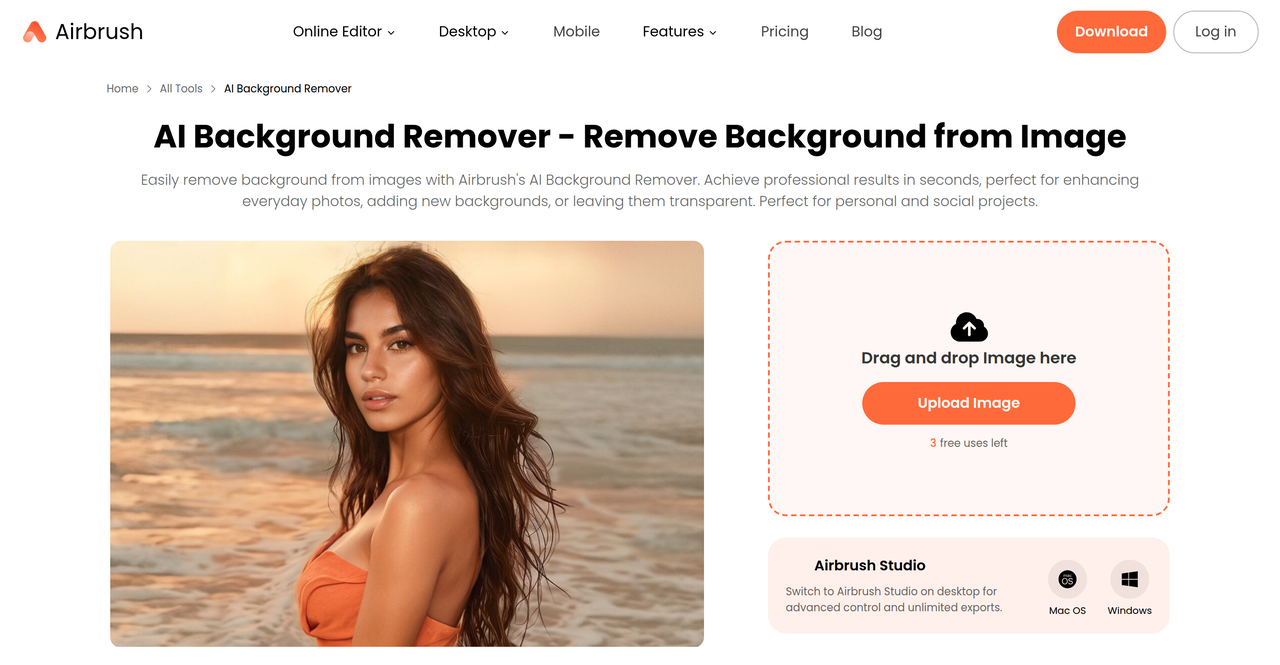
Key Features:
  • AI-powered background removal with precision.
  • Batch background replacement for multiple photos.
  • Replace backgrounds with solid colors, transparent, or custom images.
  • Desktop (Windows/Mac), online editor, and mobile app availability.
  • Integration with other AI editing tools like object removal, image enhancement, and retouching.
Pros
  • E-commerce sellers needing clean product photos for online stores.
  • Photographers looking to streamline background removal and replacement for portraits and real estate.
  • Marketers and content creators producing visuals for social media and campaigns.
Cons
  • Free usage is credit-limited, requiring subscriptions or credit packs for extensive use.
  • Some advanced features are only available in paid tiers or desktop versions.
  • Credit validity for subscriptions is monthly and does not roll over.
Pricing
freemiumFree tier
Starting at:$9 one-time for 10 credits
Free tier:Free plan with limited access to selected features, including Magic Image, Magic Video, Adjust Portrait, and Export.
Price verified on the live site 2026-07-12 · pricing page
Share:
Quick Decision
Try if: You need a versatile background removal tool with AI precision, available across desktop, web, and mobile, and you also require integrated photo editing and retouching capabilities.
Skip if: You only need a very basic, completely free background removal tool without any additional editing features or platform flexibility.
Not for: Users who only need basic, one-off background removal without additional editing features.; Those strictly looking for a free, unlimited background removal service.
Trust Signals
  • Team Size


    medium
Tech Details
Platforms
webdesktopmobile
  • AI Model


    GPT Image 2, Nano Banana
Open Source
No
Support
Channels
help centercontact form
Company
  • Name


    Pixocial Technology (Singapore) Pte. Ltd.
  • Location


    Singapore

Pixocial Technology develops AI-powered photo and video editing tools, including Airbrush, to help creators enhance their visuals.

FAQ

How does Airbrush's background remover work?

Airbrush Studio uses AI precision to automatically detect and remove backgrounds from images. Users can then replace them with transparent, solid color, or custom backgrounds. It also supports batch processing for multiple photos.

Is the Airbrush background remover free to use?

Airbrush offers a freemium model. While some basic features might have limited free uses, extensive use of the background remover and other premium features requires purchasing credit packs or a subscription plan.

What types of images can I use the background remover on?

The background remover is designed for various applications, including passport photos, product photos for e-commerce, real estate images (e.g., sky replacement), and marketing visuals for social media and campaigns.

Use Cases
  • E-commerce sellers needing clean product photos for online stores.
  • Photographers looking to streamline background removal and replacement for portraits and real estate.
  • Marketers and content creators producing visuals for social media and campaigns.
AILookup

Research utility for AI tools. Compare reviewed profiles, distinguish listed tools from reviewed coverage, and track tool changes without marketing fluff.

© 2026 AILookup. All rights reserved.