Alfred

Imagine controlling your entire Mac with just a few keystrokes, transforming repetitive tasks into seamless actions.

RecommendedAlfred is an indispensable macOS productivity tool that transforms how you interact with your computer, offering unparalleled customization and automation capabilities for power users.

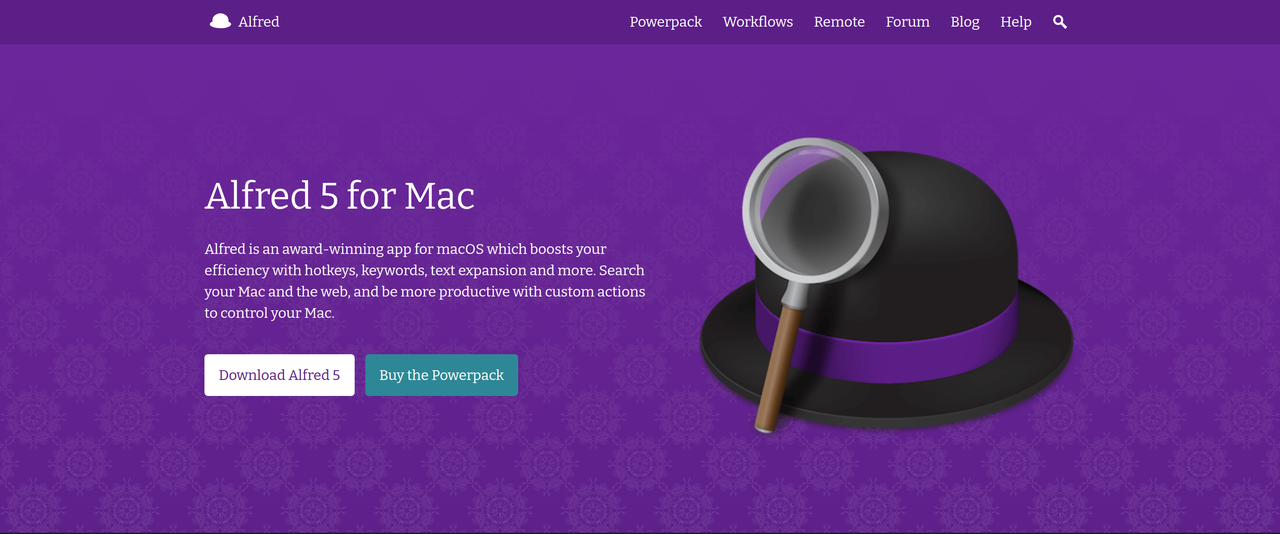
Alfred is an award-winning macOS application designed to enhance productivity through a powerful combination of hotkeys, keywords, and text expansion. It allows users to search their Mac and the web, launch applications, find files, and automate tasks with custom actions and workflows.
Key Features:
  • Hotkeys, keywords, and text expansion for rapid actions.
  • Search Mac and web, with learning capabilities to prioritize results.
  • Clipboard History and Snippets for efficient text and image management.
  • Customizable Workflows to automate tasks without coding.
  • Control Music.app, manage files, and integrate with other applications.
Pros
  • Mac users seeking to significantly speed up their daily computer interactions.
  • Developers and power users who want to automate repetitive tasks and integrate various apps.
  • Anyone looking to streamline their search, file management, and text input on macOS.
Cons
  • Many advanced features require the paid Powerpack license.
  • The extensive customization options can have a learning curve for new users.
  • Exclusively for macOS, limiting its use for cross-platform users.
Pricing
freemiumFree tier
Starting at:£34 one-time for a Single License Powerpack
Free tier:Alfred 5 for Mac is available as a free download; the Powerpack adds premium features.
Price verified on the live site 2026-07-12 · pricing page
Share:
Quick Decision
Try if: You are a macOS user looking to dramatically improve your efficiency, automate repetitive tasks, and gain granular control over your system and applications through a unified interface.
Skip if: You are not a macOS user, or you only require basic application launching and file search without advanced customization or automation features.
Not for: Users who prefer a minimalist approach and only need basic application launching.; Individuals not using macOS, as Alfred is exclusively for Apple computers.
Trust Signals
  • Founded


    2010
  • Users


    Millions of users worldwide
  • Team Size


    small
Notable Customers
ZendeskCampaign MonitorShopifySpotifyAutomattic
Tech Details
Platforms
macOSiOS (for Alfred Remote)
Integrations
Music.appSpotify (via workflows)Dash (via workflows)Twitter (via workflows)YouTube (via workflows)1PasswordDropbox (for sync)
Open Source
No
Support
Channels
forumemailTwitter
  • Response Time


    Within a few days during UK business hours
Company
  • Name


    Running with Crayons Ltd
  • Location


    United Kingdom

Founded in 2010 by Andrew and Vero Pepperrell, Running with Crayons Ltd develops Alfred, an award-winning productivity application for macOS, focusing on creating intuitive and powerful tools.

FAQ

What is the difference between the free version of Alfred and the Powerpack?

The free version of Alfred provides core features like launching applications and finding files. The Powerpack unlocks advanced functionalities such as workflows, clipboard history, snippets, system commands, music control, and much more, significantly boosting productivity.

Is Alfred available for Windows or other operating systems?

No, Alfred is an award-winning app specifically designed for macOS. Alfred Remote is available for iOS to control your Mac.

Can I create my own custom workflows with Alfred?

Yes, with the Alfred Powerpack, you can create immensely powerful workflows without needing to write a single line of code. You can also import workflows shared by the community.

Use Cases
  • Mac users seeking to significantly speed up their daily computer interactions.
  • Developers and power users who want to automate repetitive tasks and integrate various apps.
  • Anyone looking to streamline their search, file management, and text input on macOS.
AILookup

Research utility for AI tools. Compare reviewed profiles, distinguish listed tools from reviewed coverage, and track tool changes without marketing fluff.

© 2026 AILookup. All rights reserved.