Alter AI

What if your Mac could understand you without you touching the keyboard?

RecommendedAlter is a powerful, privacy-focused AI assistant for macOS that transforms how you interact with your computer by combining screen context, voice commands, and deep app integration to significantly boost productivity.

Alter is a native macOS AI assistant that integrates deeply with your system, allowing you to control apps, process files, and manage meetings using voice commands and screen context. It aims to transform your Mac into a voice-ready assistant, speeding up workflows and reducing reliance on the keyboard.
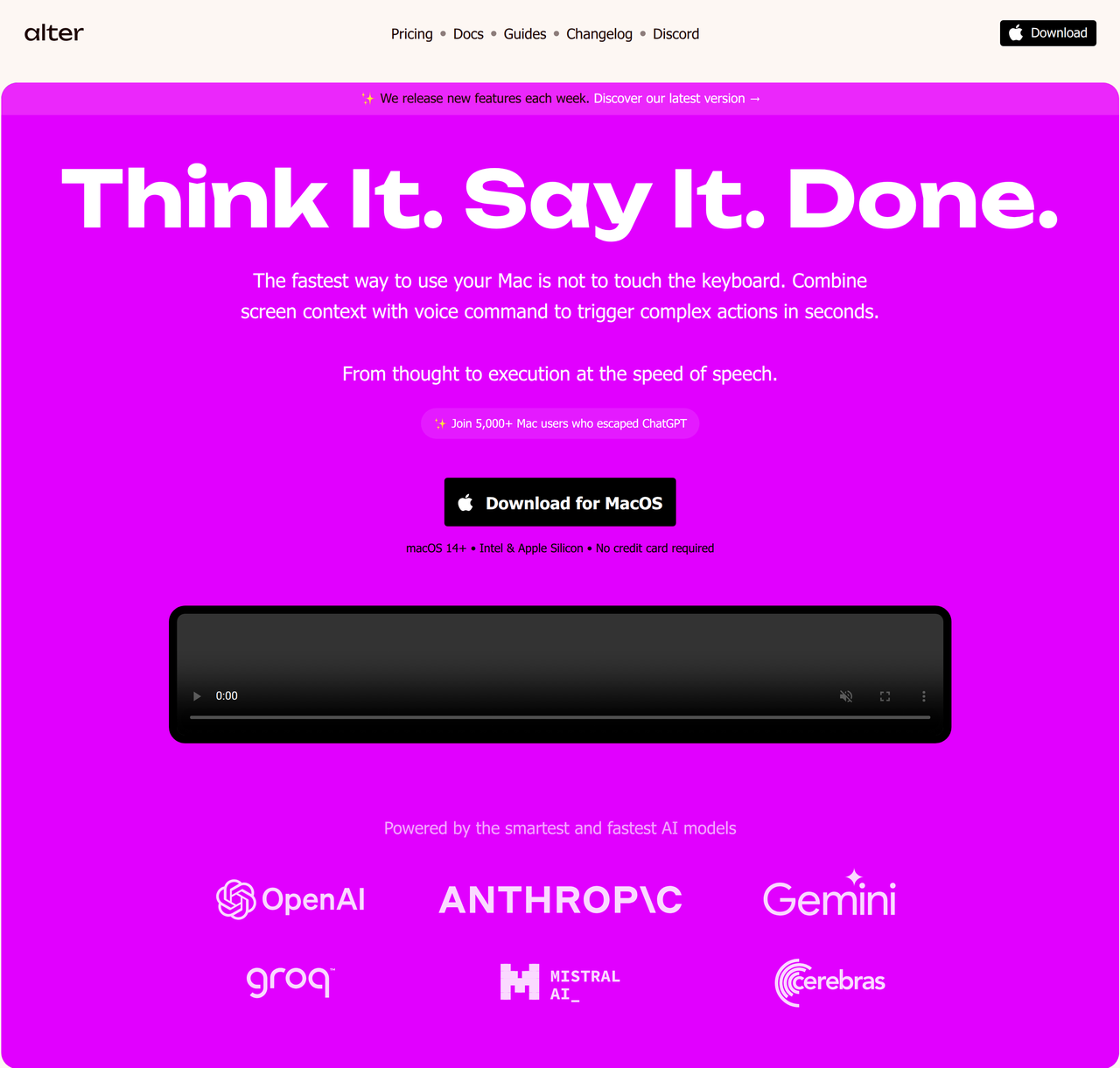
Key Features:
  • System-wide context awareness (AppSense) for screen and app content.
  • Voice-first workflows and dictation for hands-free operation.
  • Meeting intelligence with real-time transcription, speaker ID, and summaries.
  • Support for 50+ AI models, including local and cloud options.
  • Automation with 2,000+ apps via webhooks and Shortcuts.
Pros
  • Mac power users seeking to automate complex tasks with voice commands.
  • Professionals needing private, on-device meeting transcription and summarization.
  • Users who want to integrate AI seamlessly across all their macOS applications.
Cons
  • Requires macOS 14+ (Ventura or newer).
  • Fair use policy applies to unlimited cloud model access on paid plans.
  • Some advanced features like local voice models are behind a paid tier.
Pricing
paidFree tier
Starting at:$14.99
Free tier:No free trial; the FAQ says free trials are unavailable because headshot generation is GPU-intensive.
Price verified on the live site 2026-07-12 · pricing page
Share:
Quick Decision
Try if: You are a Mac user who wants to deeply integrate AI into your daily workflow, automate tasks with voice commands, and need robust, private meeting transcription and summarization capabilities.
Skip if: You are not a macOS user, or you only need a basic AI chat interface without system-wide integration and advanced automation features.
Not for: Windows or Linux users, as it's macOS exclusive.; Users looking for a simple, chat-only AI interface without system integration.
Trust Signals
  • Users


    5,000+ Mac users
  • Team Size


    small
Compliance
GDPRHIPAA (with local processing)
Tech Details
Platforms
macOS
Integrations
SlackNotionLinearGmailiMessageMapsCalendarZoomMicrosoft TeamsGoogle MeetWhatsAppOllamaLM StudioOpenAIAnthropicGeminiMistralDeepSeekGroqPerplexityLiteLLMOpenRouterTogether
  • AI Model


    50+ models (Claude, OpenAI, Gemini, Mistral, DeepSeek, Groq, Perplexity, Llama, Qwen, Pixtral, etc.)
Open Source
No
Support
Channels
Discordemail
Company
  • Name


    Alter

Alter is building the best AI assistant for macOS, focusing on deep system integration, voice-first workflows, and privacy.

FAQ

What makes Alter different from other AI tools for Mac?

Alter is a native macOS AI assistant that understands your current work context by integrating with all your apps and screen content. It offers voice-first workflows, meeting intelligence with speaker ID, and supports local models for privacy, which sets it apart from many chat-focused alternatives.

Is Alter free to use, and what happens after the trial?

Alter offers a 7-day free trial with full access to all models and features. After the trial, you can continue using Alter for free by connecting your own AI providers (like OpenAI, Anthropic) or running local models. Paid plans are available for unlimited access to Alter's managed 50+ AI models and enhanced features.

How does Alter handle privacy, especially with meeting recordings?

Alter prioritizes privacy by design. You can choose to process meetings entirely on your Mac using local models, ensuring your data never leaves your device and is encrypted locally. Alter does not use bots to join meetings, and other participants cannot detect its use. Anonymous usage analytics are collected but can be disabled.

Use Cases
  • Mac power users seeking to automate complex tasks with voice commands.
  • Professionals needing private, on-device meeting transcription and summarization.
  • Users who want to integrate AI seamlessly across all their macOS applications.
AILookup

Research utility for AI tools. Compare reviewed profiles, distinguish listed tools from reviewed coverage, and track tool changes without marketing fluff.

© 2026 AILookup. All rights reserved.