Apple Creator Studio

Ever wondered how Apple's own ecosystem fuels professional-grade creativity?

NicheApple Creator Studio offers a robust and integrated creative suite for Apple users, leveraging advanced hardware and AI with a strong emphasis on user privacy.

Apple Creator Studio is a collection of powerful creative applications, including Logic Pro and Final Cut Pro, designed to empower musicians and video editors. It offers intelligent tools and extensive libraries to streamline the creative process on Apple devices.
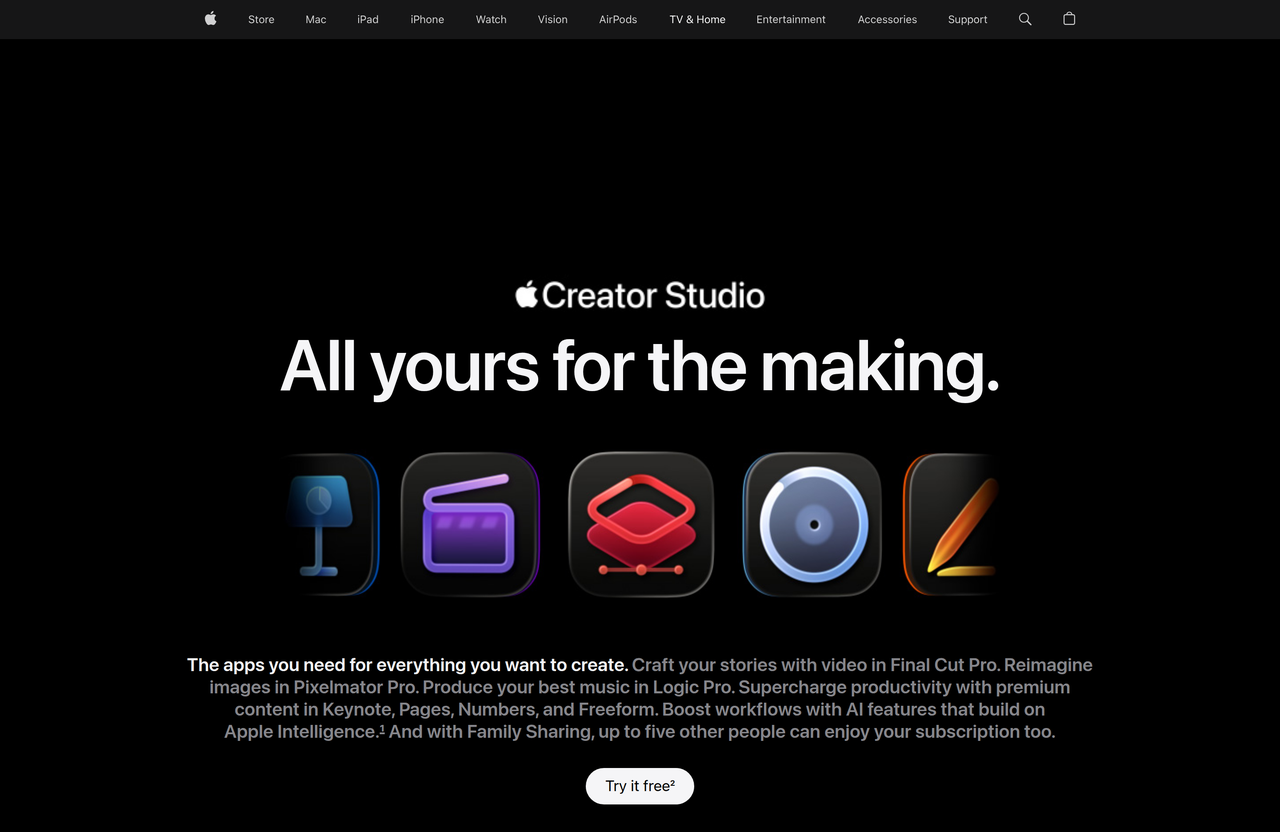
Key Features:
  • Logic Pro for music creation with extensive instruments, effects, and intelligent beat-making tools.
  • Final Cut Pro for professional video editing with advanced features.
  • Pixelmator Pro for image editing and graphic design.
  • AI-powered features like Stem Splitter and Mastering Assistant in Logic Pro.
  • Private Cloud Compute for complex AI requests with enhanced privacy protections.
Pros
  • Professional musicians and producers seeking advanced beat-making and mixing tools on Mac and iPad.
  • Video editors who need robust editing capabilities with seamless integration across Apple devices.
  • Creators who prioritize privacy and on-device processing for their sensitive projects.
Cons
  • Requires Apple hardware (Mac, iPad) to operate.
  • Some advanced AI features are in beta and may not be available in all regions or languages.
  • Individual apps within the suite may require separate purchases or subscriptions.
Pricing
paidFree tier
Starting at:Unknown for the bundle, Logic Pro for Mac is a one-time purchase.
Free tier:Trial available for Logic Pro and the Creator Studio bundle.
Plans
  • Logic Pro: One-time purchase on App Store (Mac version)
  • Apple Creator Studio: Try it free (bundle)
Trial:Free trial available for Logic Pro and Apple Creator Studio bundle.
Share:
Quick Decision
Try if: You are an Apple user (Mac or iPad) looking for deeply integrated, powerful, and privacy-focused tools for professional music or video production.
Skip if: You operate outside the Apple ecosystem or require highly specialized features not covered by Apple's suite.
Not for: Users outside the Apple ecosystem (Windows, Android) as the tools are exclusive to Mac and iPad.; Beginners looking for very simple, entry-level creative software, as these are professional-grade tools.
Trust Signals
  • Team Size


    large
Compliance
Privacy PolicyIntellectual Property Guidelines
Notable Customers
Kyle Hanagami (choreographer using Final Cut Pro)
Tech Details
Platforms
MaciPad
  • AI Model


    Apple Intelligence
Open Source
No
Support
Channels
online supportphoneApple Retail StoresGenius Bar
Company
  • Name


    Apple Inc.
  • Location


    Cupertino, CA

Apple is a multinational technology company that designs, manufactures, and markets consumer electronics, computer software, and online services.

FAQ

What applications are included in Apple Creator Studio?

Apple Creator Studio includes essential creative apps like Logic Pro for music production, Final Cut Pro for video editing, and Pixelmator Pro for image editing.

Is Apple Creator Studio available for Windows or Android devices?

No, Apple Creator Studio and its constituent applications are designed exclusively for Apple's ecosystem, specifically Mac and iPad devices.

How does Apple Creator Studio leverage AI and privacy?

Apple Creator Studio utilizes Apple Intelligence, powered by Apple silicon, for features like Stem Splitter and Mastering Assistant. It emphasizes privacy through on-device processing and Private Cloud Compute, ensuring data is not stored or accessible to Apple for complex requests.

Can I try Logic Pro or the Apple Creator Studio before purchasing?

Yes, free trials are available for Logic Pro and the Apple Creator Studio bundle, allowing users to experience the features before making a purchase.

Where can I find support for Apple Creator Studio applications?

Support for Apple Creator Studio applications can be found through Apple's online support, Apple Retail Stores, and the Genius Bar. Specific support pages for Logic Pro and Final Cut Pro are also available.

Use Cases
  • Professional musicians and producers seeking advanced beat-making and mixing tools on Mac and iPad.
  • Video editors who need robust editing capabilities with seamless integration across Apple devices.
  • Creators who prioritize privacy and on-device processing for their sensitive projects.
AILookup

Research utility for AI tools. Compare reviewed profiles, distinguish listed tools from reviewed coverage, and track tool changes without marketing fluff.

© 2026 AILookup. All rights reserved.