AutoPod

What if your video editor could handle the tedious parts of podcast production for you?

RecommendedAutoPod offers powerful automation for multi-camera video editing and social clip creation, making it a significant time-saver for specific video production workflows.

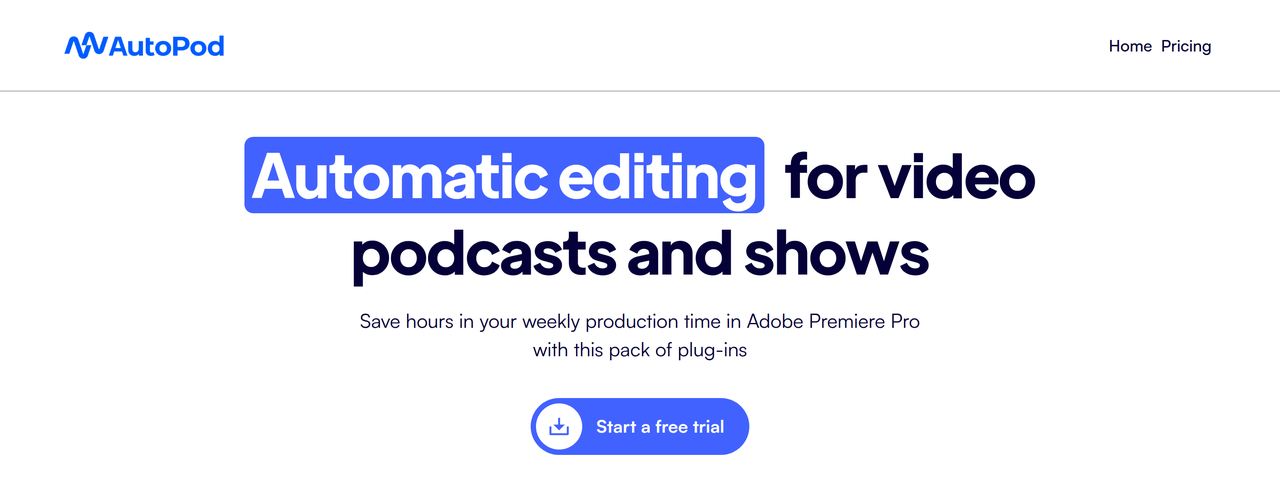
AutoPod is a suite of plug-ins for video editing software that automates multi-camera editing, social clip creation, and jump cuts. It significantly reduces production time for video podcasts and shows by handling repetitive editing tasks.
Key Features:
  • Multi-Camera Editor: Automatically edits multi-camera sequences for up to 10 cameras/microphones.
  • Social Clip Creator: Generates social media clips in various aspect ratios (1920x1080, 1080x1350, 1080x1920) with auto-reframe, watermarks, and endpages.
  • Jump Cut Editor: Automatically creates jump cuts in footage based on silence.
  • Customizable editing methods and presets for Multi-Camera Editor.
  • Batch export functionality for social media clips.
Pros
  • Video podcasters and show creators using Adobe Premiere Pro or DaVinci Resolve who want to save hours on editing.
  • Editors who need to quickly generate social media clips from long-form video content.
  • Content creators looking to automate jump cuts based on silence for more engaging videos.
Cons
  • Requires Adobe Premiere Pro 2023 or newer, or DaVinci Resolve (Studio version, or Free version 19.0.3 or earlier).
  • Multi-Camera Editor requires multiple unique audio tracks to function properly.
  • Each license is tied to a single computer, though switching is possible.
Pricing
paidFree tier
Starting at:$29/mo
Plans
  • Individual Per License: $29/mo (includes all AutoPod tools, 30 Day Free Trial for Monthly Billing)
  • Individual Per License: Annual Billing (1 Month Free Per Year)
Trial:30 Day Free Trial for Monthly Billing
Share:
Quick Decision
Try if: You are a video podcaster or content creator who regularly produces multi-camera content and wants to drastically cut down on editing time, especially for social media repurposing.
Skip if: You primarily edit single-camera footage, do not use Adobe Premiere Pro or DaVinci Resolve, or prefer complete manual control over every edit.
Not for: Users who do not work with multi-camera setups or multiple audio tracks for their video content.; Editors who prefer manual control over every aspect of their video editing process.
Trust Signals
  • Team Size


    small
Tech Details
Platforms
Adobe Premiere Pro pluginDaVinci Resolve plugin
Integrations
Adobe Premiere ProDaVinci Resolve
Open Source
No
Support
Channels
email
Company
  • Name


    AutoPod LLC
  • Location


    Saint Charles, MO, United States

AutoPod is designed by editors for editors to automate a lot of the processes you don't want to do.

FAQ

What are the system requirements for AutoPod?

AutoPod requires Adobe Premiere Pro 2023 or newer. For DaVinci Resolve, it works on all versions of Resolve Studio, and for the Free version, you must be on Resolve 19.0.3 or earlier.

Can AutoPod Multi-Camera Editor work with a single audio source or a single speaker?

No, AutoPod Multi-Camera Editor is designed for multiple cameras and multiple unique audio tracks. It needs separate audio tracks to properly make editing decisions and is not designed for single speakers.

Is AutoPod available for other video editing software like Final Cut Pro or Avid?

No, AutoPod is currently only available for Adobe Premiere Pro and DaVinci Resolve. There are no plans to add support for Final Cut Pro, Avid, or other NLEs.

Use Cases
  • Video podcasters and show creators using Adobe Premiere Pro or DaVinci Resolve who want to save hours on editing.
  • Editors who need to quickly generate social media clips from long-form video content.
  • Content creators looking to automate jump cuts based on silence for more engaging videos.
AILookup

Research utility for AI tools. Compare reviewed profiles, distinguish listed tools from reviewed coverage, and track tool changes without marketing fluff.

© 2026 AILookup. All rights reserved.