AVCLabs Video Blur AI

What if you could protect privacy and clean up your videos with AI, without tedious manual editing?

Automated product research from public website content. No hands-on app test is recorded for this profile. Pricing source and check date are shown below where available.

Research fitSource-based assessment: AVCLabs Video Blur AI offers a comprehensive, AI-driven desktop solution for video anonymization and object removal, significantly streamlining privacy protection and content refinement workflows for creators and professionals.

AVCLabs Video Blur AI is a powerful desktop application that automatically detects and blurs faces, license plates, and backgrounds in videos. It also offers AI-driven object removal, allowing users to eliminate unwanted elements from their footage with ease, streamlining privacy protection and video cleanup workflows.
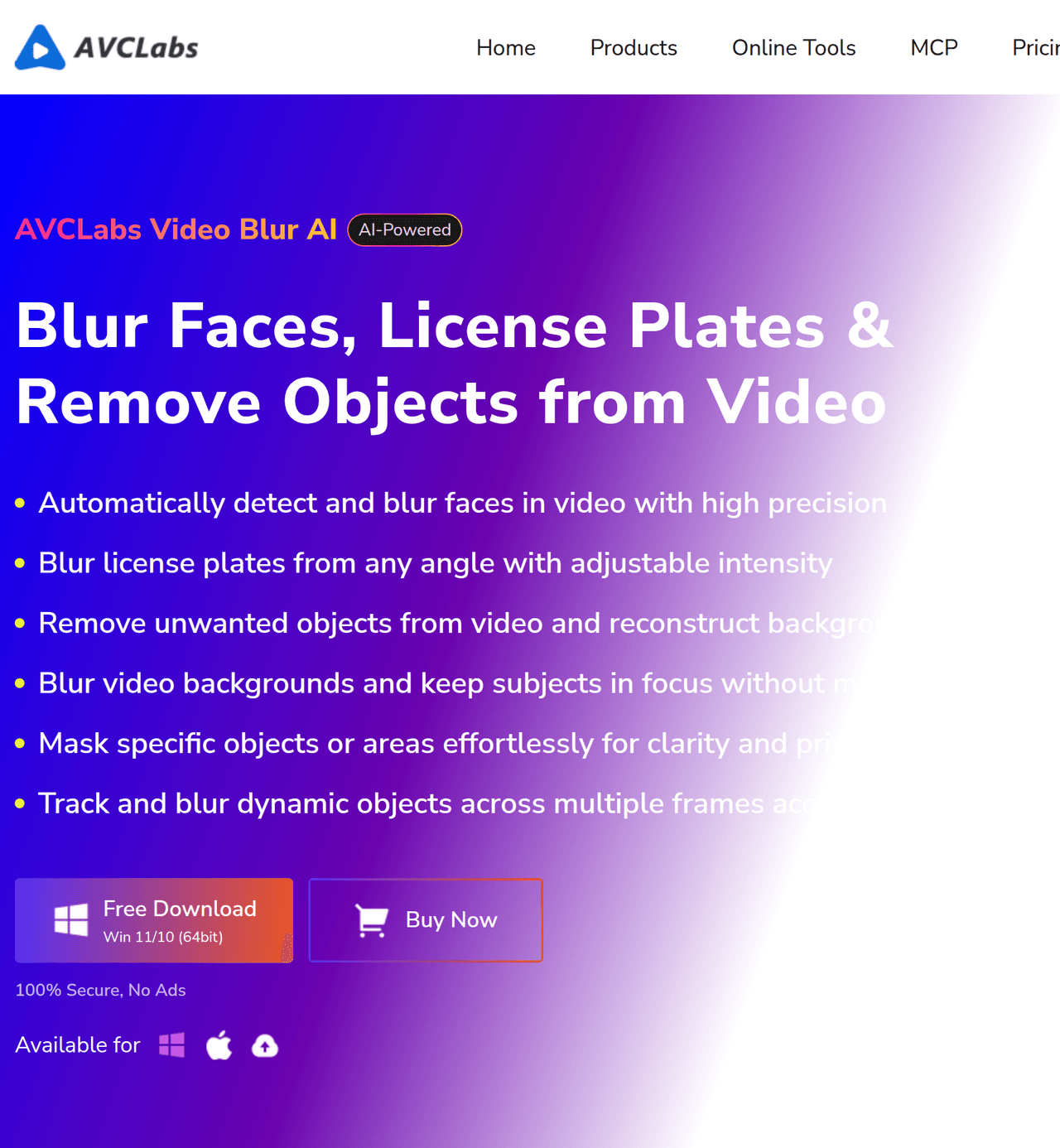
Key Features:
  • AI Face Blur: Automatically detects and blurs faces, even in complex or fast-moving scenes.
  • License Plate Blur: Specialized AI model for accurate detection and consistent blurring of license plates.
  • Background and Foreground Blur: Intelligently separates video layers to blur backgrounds or foregrounds.
  • AI Object Tracking Blur: Efficiently tracks and blurs moving objects across frames.
  • AI Object Remover: Fixed area and smart object recognition removal for watermarks, logos, pedestrians, and vehicles.
Pros
  • Content creators needing to anonymize individuals or sensitive information in their videos for privacy or compliance.
  • Professionals working with surveillance or dashcam footage requiring automated license plate and face blurring.
  • Video editors looking to quickly remove unwanted objects or distractions from their footage without manual masking.
Cons
  • Requires a desktop application installation for Windows or Mac.
  • Long-form video processing may require significant RAM (16GB+ recommended) and GPU acceleration for optimal performance.
  • The trial version applies a watermark and may have export duration limitations.
Pricing
paidFree tier
Starting at:$39.95/month
Free tier:Watermarked output, limited export duration (for Video Enhancer AI, likely similar for Video Blur AI)
Plans
  • Video Blur AI: $39.95/month
  • Video Enhancer AI + Photo Enhancer AI Bundle: $49.95/month (saves $10/month)
Trial:Free trial available for download
Refund:5-day money-back guarantee for one-month/one-year subscriptions, 30-day for perpetual plan
Share:
Quick Decision
Try if: You need an efficient, automated solution for blurring sensitive information (faces, license plates) or removing unwanted objects from videos on your desktop, especially for privacy compliance or content cleanup.
Skip if: You only need basic video editing features, prefer a purely online tool, or have very limited hardware resources and cannot utilize cloud-assisted options.
Not for: Users who only need basic video editing features without AI-driven blurring or object removal.; Individuals seeking a purely online, browser-based solution for video blurring (though an online tool is available for object removal).
Trust Signals
  • Founded


    2006
  • Team Size


    medium
Tech Details
Platforms
windowsmacOS
  • AI Model


    Proprietary AI models for facial detection, license plate recognition, and object tracking/removal.
Open Source
No
Support
Channels
emailFAQuser guide
  • Response Time


    Within 24 hours for support inquiries
Company
  • Name


    AVCLabs Inc.

AVCLabs, a sub-brand of AVC (Any Video Converter) established in 2006, is dedicated to providing AI-powered image and video enhancement solutions. They focus on user-centric innovation to revitalize visual content with clarity, sharpness, and detail.

FAQ

What is the refund policy for AVCLabs Video Blur AI?

AVCLabs offers a 5-day money-back guarantee for one-month and one-year subscriptions, and a 30-day guarantee for the perpetual plan. Refunds are only approved under specific circumstances, such as accidental double payment or unresolvable technical issues.

Can I use one license for AVCLabs Video Blur AI on multiple computers or across Windows and Mac?

No, the license code is generally for one computer only. Additionally, licenses are specific to either the Mac or Windows version, meaning you need to purchase separate licenses for each platform.

What are the minimum hardware requirements for AVCLabs Video Blur AI?

While Photo Enhancer AI can run on common machines, for Video Enhancer AI (and likely Video Blur AI due to similar processing demands), high-end dedicated graphics cards (NVIDIA GTX 1650 and upper) are suggested. The minimum CPU requirement is Intel CPU from 2015 onwards (4th generation) or AMD CPU from 2016 onwards. 16GB+ RAM is recommended for long-form footage.

Use Cases
  • Content creators needing to anonymize individuals or sensitive information in their videos for privacy or compliance.
  • Professionals working with surveillance or dashcam footage requiring automated license plate and face blurring.
  • Video editors looking to quickly remove unwanted objects or distractions from their footage without manual masking.
AILookup

Research utility for AI tools. Compare sourced profiles, distinguish listings from automated research, and track tool changes without marketing fluff.

© 2026 AILookup. All rights reserved.