AVCLabs Video Enhancer AI

Transform your blurry, noisy videos into crystal-clear masterpieces with the power of AI.

RecommendedAVCLabs Video Enhancer AI offers powerful, AI-driven video enhancement and upscaling with a user-friendly interface, making professional-grade video improvement accessible to a wider audience.

AVCLabs Video Enhancer AI utilizes advanced AI technology to significantly improve video resolution, reduce noise, and enhance details. It offers features like AI upscaling, noise reduction, object removal, and color enhancement to give videos a clearer, more refined look.
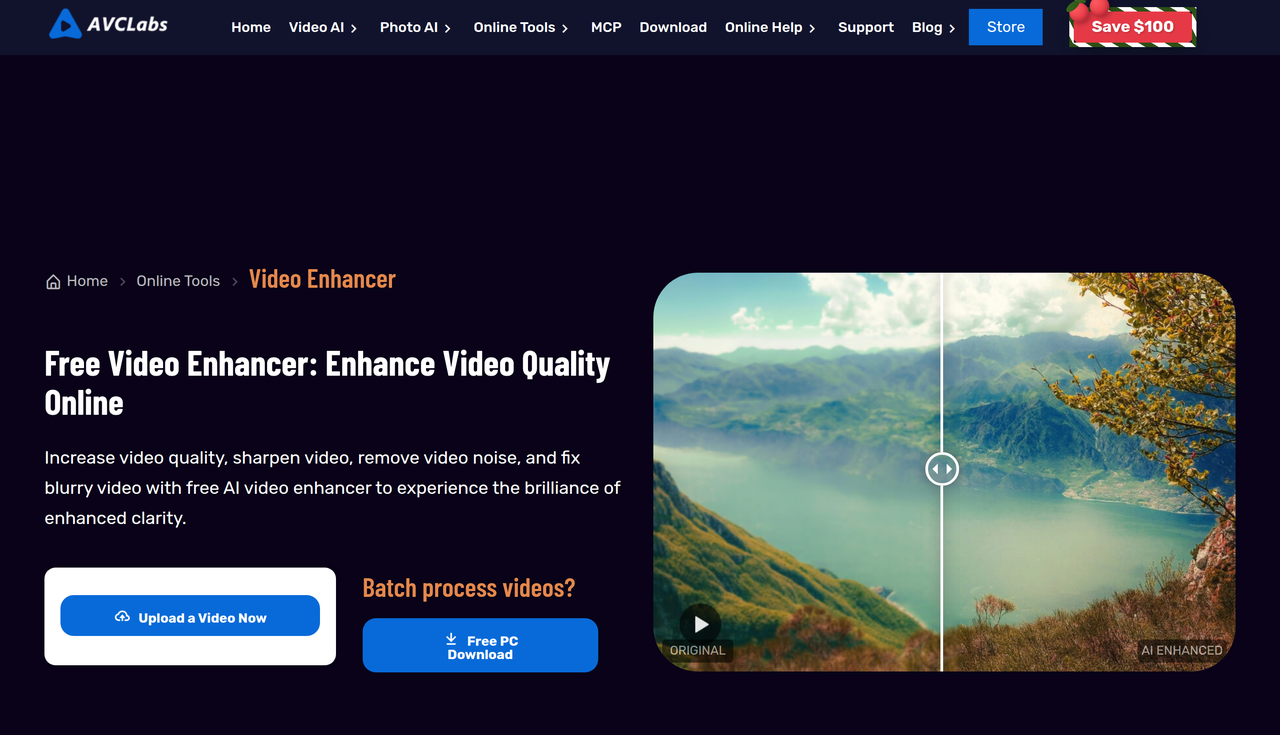
Key Features:
  • AI Video Upscaling (up to 4K/8K)
  • Noise and Grain Reduction
  • Detail Enhancement and Sharpening
  • AI Object Removal (in Video Enhancer AI and Video Blur AI)
  • Color Enhancement and Correction
Pros
  • Videographers needing to upscale and restore old or low-quality footage.
  • Content creators looking to improve video quality for platforms like YouTube and TikTok.
  • Anyone wanting to fix noisy, grainy, or blurry videos with minimal effort.
Cons
  • Processing speed is highly dependent on computer hardware, especially GPU.
  • Choosing multiple AI features simultaneously can significantly slow down processing.
  • The trial version applies a watermark and limits export duration to 30 seconds.
Pricing
paidFree tier
Starting at:$39.95/month
Free tier:Watermark on all videos, export limited to 30 seconds.
Plans
  • Video Enhancer AI: $39.95/month
  • Video Enhancer AI + Photo Enhancer AI Bundle: $49.95/month (saves $10/month)
Trial:Free trial available with limitations
Refund:5-day money-back guarantee for one-month/one-year plans, 30-day for lifetime plan
Share:
Quick Decision
Try if: You should try if you need an easy-to-use AI tool to significantly improve the quality of your videos, upscale them to higher resolutions, or remove unwanted objects, especially if you have a powerful GPU.
Skip if: Skip if you require extensive manual control over every aspect of video editing, or if your computer hardware does not meet the recommended specifications for efficient processing.
Not for: Users without dedicated GPU hardware for optimal processing speed.; Those seeking extensive manual video editing controls beyond enhancement.
Trust Signals
  • Founded


    2006
  • Team Size


    medium
Tech Details
Platforms
WindowsMac
Open Source
No
Support
Channels
emailFAQuser guide
Company
  • Name


    AVCLabs Inc.
  • Location


    New York, NY

Pioneering in AI, AVCLabs is committed to providing comprehensive tools for enhancing and restoring visual content across industries, with a focus on innovative, user-friendly, and reliable solutions.

FAQ

What are the differences between the trial and full version of AVCLabs Video Enhancer AI?

The trial version allows users to convert an unlimited number of videos for free, but the videos will have a watermark, and the export duration is limited to 30 seconds. The full version removes these limitations.

What are the minimum hardware requirements for AVCLabs Video Enhancer AI?

It is suggested to run Video Enhancer AI on high-end dedicated graphics cards (NVIDIA GTX 1650 and upper). The minimum CPU requirement is Intel CPU from 2015 onwards (4th generation) or AMD CPU from 2016 onwards.

Why is my video processing speed slow?

Slow processing speed can be due to computer hardware (especially GPU), video resolution (higher resolution takes longer), or inappropriate program settings (e.g., activating multiple features like AI interpolation, AI Enhancement, and AI Colorizer simultaneously). Selecting GPU as AI Processor in settings and using default settings for enhancement can help.

Can I use one license on multiple computers?

No, typically one license code is for one computer only. However, you can contact support to transfer the license to a new computer under certain circumstances.

Use Cases
  • Videographers needing to upscale and restore old or low-quality footage.
  • Content creators looking to improve video quality for platforms like YouTube and TikTok.
  • Anyone wanting to fix noisy, grainy, or blurry videos with minimal effort.
AILookup

Research utility for AI tools. Compare reviewed profiles, distinguish listed tools from reviewed coverage, and track tool changes without marketing fluff.

© 2026 AILookup. All rights reserved.