CAPTURELAB

What if your stream could manage itself, leaving you free to create?

RecommendedCapturelab leverages AI to automate key aspects of live gaming streams, making professional content creation easier and more efficient for streamers.

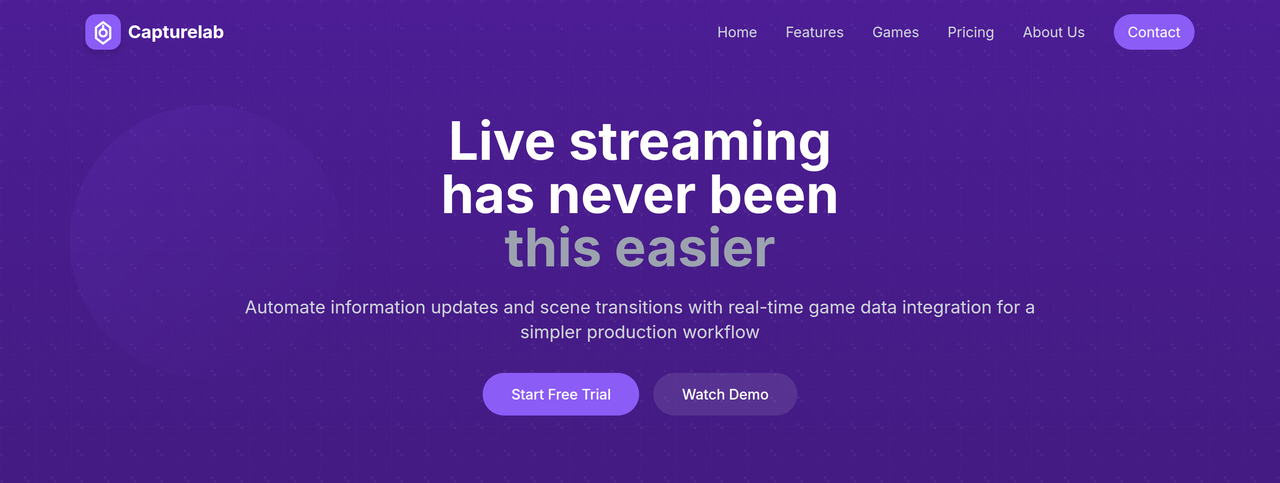
Capturelab is an AI-powered streaming platform that automates information updates and scene transitions with real-time game data integration. It helps streamers create professional-quality content with less effort by automatically detecting and capturing their best gaming moments.
Key Features:
  • AI-Powered Highlights (automatic clip generation)
  • Real-time Game Data Integration
  • Smart Scene Switching (based on game events/triggers)
  • Multi-Platform Streaming Support
  • Customizable AI Settings and Triggers
Pros
  • Gaming streamers who want to automate highlight clipping and scene transitions
  • Content creators looking to enhance stream professionalism with AI tools
  • Streamers who want to save time on editing and focus on live content
Cons
  • Requires integration with existing streaming software like OBS or Streamlabs
  • Advanced features like 4K streaming and unlimited storage are only available on higher-tier plans
  • Relies on a stable internet connection for optimal performance
Pricing
freemiumFree tier
Starting at:$15/month
Free tier:Basic AI highlights, 720p streaming, 2 scene templates, basic chat commands, 5GB cloud storage, community support
Plans
  • Starter: Free
  • Pro: $15/month (Advanced AI highlights, 1080p streaming, 10 scene templates, 50GB cloud storage, priority support, multi-platform streaming, custom overlays, analytics dashboard, viewer engagement tools)
  • Business: Custom (Everything in Pro, 4K streaming, unlimited scene templates, advanced API access, unlimited storage, 24/7 dedicated support, custom integrations, team management, white-label solution, SLA guarantee)
Trial:14-day free trial of Pro plan, no credit card required
Refund:30-day money-back guarantee
Share:
Quick Decision
Try if: You are a gaming streamer looking to automate highlight clipping, scene management, and enhance the professional quality of your streams with AI, saving significant time on post-production.
Skip if: You prefer complete manual control over your stream's every detail, have a very basic streaming setup, or are not involved in gaming content creation.
Not for: Streamers who prefer full manual control over every aspect of their broadcast; Users with unstable internet connections or low-spec PCs (minimum 8GB RAM, quad-core CPU recommended); Those not interested in gaming or live streaming content creation
Trust Signals
  • Founded


    2021
  • Users


    50K+ Active Streamers (50M+ Highlights Generated)
  • Team Size


    medium
  • Funding


    $15M Series A in 2022
Compliance
GDPR
Notable Customers
GamerPro99 (Twitch Partner)StreamQueen (Content Creator)EpicGamer (YouTube Gaming)
Tech Details
Platforms
web
Integrations
TwitchYouTubeOBSStreamlabsFacebook Gaming
Open Source
No
Support
Channels
emailcommunity forumin-app dashboard
  • Response Time


    Priority support for Pro, 24/7 dedicated for Business
Company
  • Name


    Capturelab

Founded in 2021, Capturelab aims to revolutionize game streaming with AI-powered tools that automate technical aspects and enhance the viewer experience, empowering content creators worldwide.

FAQ

What is Capturelab and how does it work?

Capturelab is an AI-powered streaming platform that automatically detects and captures your best gaming moments. It integrates with your streaming software, allows you to configure AI settings for desired moments, and then the AI handles highlights and scene transitions while you stream.

What streaming platforms and software does Capturelab support?

Capturelab supports all major streaming platforms including Twitch, YouTube Gaming, and Facebook Gaming. It integrates with popular streaming software like OBS and Streamlabs.

Can I customize the AI highlight detection and scene switching?

Yes, you can customize AI detection settings for different games and events. You can also set up custom triggers based on chat activity, donations, or specific in-game events for both highlights and smart scene switching.

Use Cases
  • Gaming streamers who want to automate highlight clipping and scene transitions
  • Content creators looking to enhance stream professionalism with AI tools
  • Streamers who want to save time on editing and focus on live content
AILookup

Research utility for AI tools. Compare reviewed profiles, distinguish listed tools from reviewed coverage, and track tool changes without marketing fluff.

© 2026 AILookup. All rights reserved.