ChatGPT File Uploader

Ever wished ChatGPT could read your documents without endless copy-pasting?

RecommendedA convenient Chrome extension that streamlines document interaction with ChatGPT by enabling direct file uploads and text extraction.

This Chrome extension enhances ChatGPT by allowing users to upload various file types directly into the chat interface. It converts the content of documents, PDFs, and images into text, enabling ChatGPT to process and respond based on the provided information. This eliminates the need for manual copy-pasting, streamlining interactions with large documents.
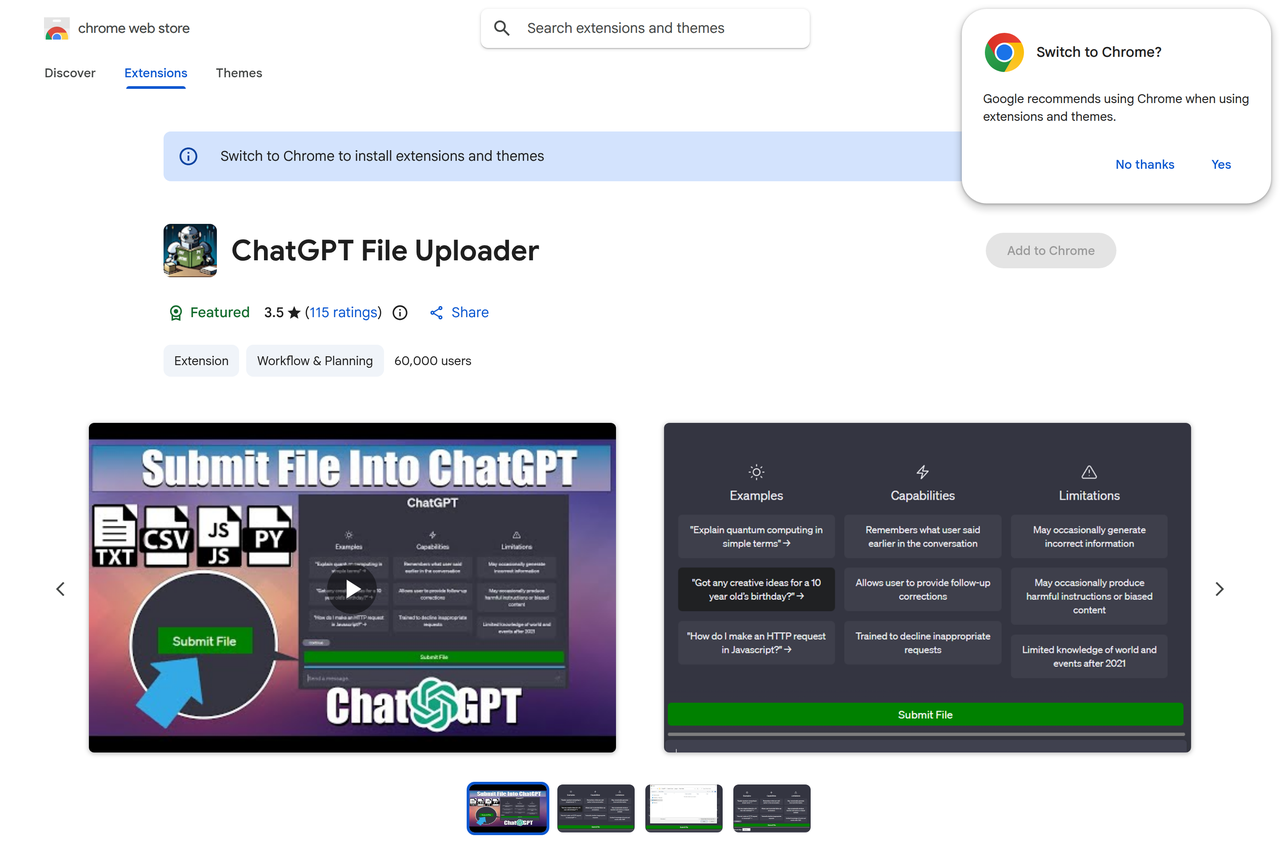
Key Features:
  • Direct file upload to ChatGPT
  • Supports PDF, DOCX, TXT, JPG, PNG, CSV, JSON, XML
  • Extracts text content from various file types
  • Integrates seamlessly into the ChatGPT interface
  • Simplifies data input for AI analysis
Pros
  • Researchers needing to analyze academic papers with AI
  • Students summarizing lecture notes or textbooks
  • Professionals extracting key information from reports
Cons
  • Relies on ChatGPT's capabilities for analysis after upload
  • Performance may vary with very large or complex files
  • Requires granting file access permissions to the extension
Pricing
unknown
Share:
Quick Decision
Try if: You frequently use ChatGPT for tasks involving document analysis, summarization, or information extraction and want to save time on manual data entry.
Skip if: You are concerned about privacy when uploading documents via a third-party extension or only use ChatGPT for simple text-based conversations.
Not for: Users who only interact with ChatGPT via text input; Individuals concerned about uploading sensitive documents to third-party extensions
Trust Signals
  • Team Size


    small
Tech Details
Platforms
web
Integrations
ChatGPT
Open Source
No
Support
Company
  • Name


    The Trustee for Peter Fam

Publisher of Chrome extensions, including ChatGPT File Uploader.

FAQ

What file types can I upload with this extension?

The extension supports various file types including PDF, DOCX, TXT, JPG, PNG, CSV, JSON, and XML.

How does the ChatGPT File Uploader work?

It allows you to directly upload files to ChatGPT. The extension extracts the text content from these files and inputs it into the ChatGPT interface, enabling the AI to process and respond based on the file's information.

Is this extension free to use?

The pricing model for this extension is currently unknown based on the available information. You would need to check the Chrome Web Store page for the most up-to-date pricing details.

Use Cases
  • Researchers needing to analyze academic papers with AI
  • Students summarizing lecture notes or textbooks
  • Professionals extracting key information from reports
AILookup

Research utility for AI tools. Compare reviewed profiles, distinguish listed tools from reviewed coverage, and track tool changes without marketing fluff.

© 2026 AILookup. All rights reserved.