Coda AI

What if your documents could do more than just hold information?

RecommendedCoda is a powerful, all-in-one doc that transforms how teams work by integrating documents, data, and applications into a single, dynamic workspace.

Coda is a flexible doc that combines the functionality of documents, spreadsheets, and applications into a single, collaborative workspace. It allows teams to build custom tools and workflows, integrating various data types and external applications.
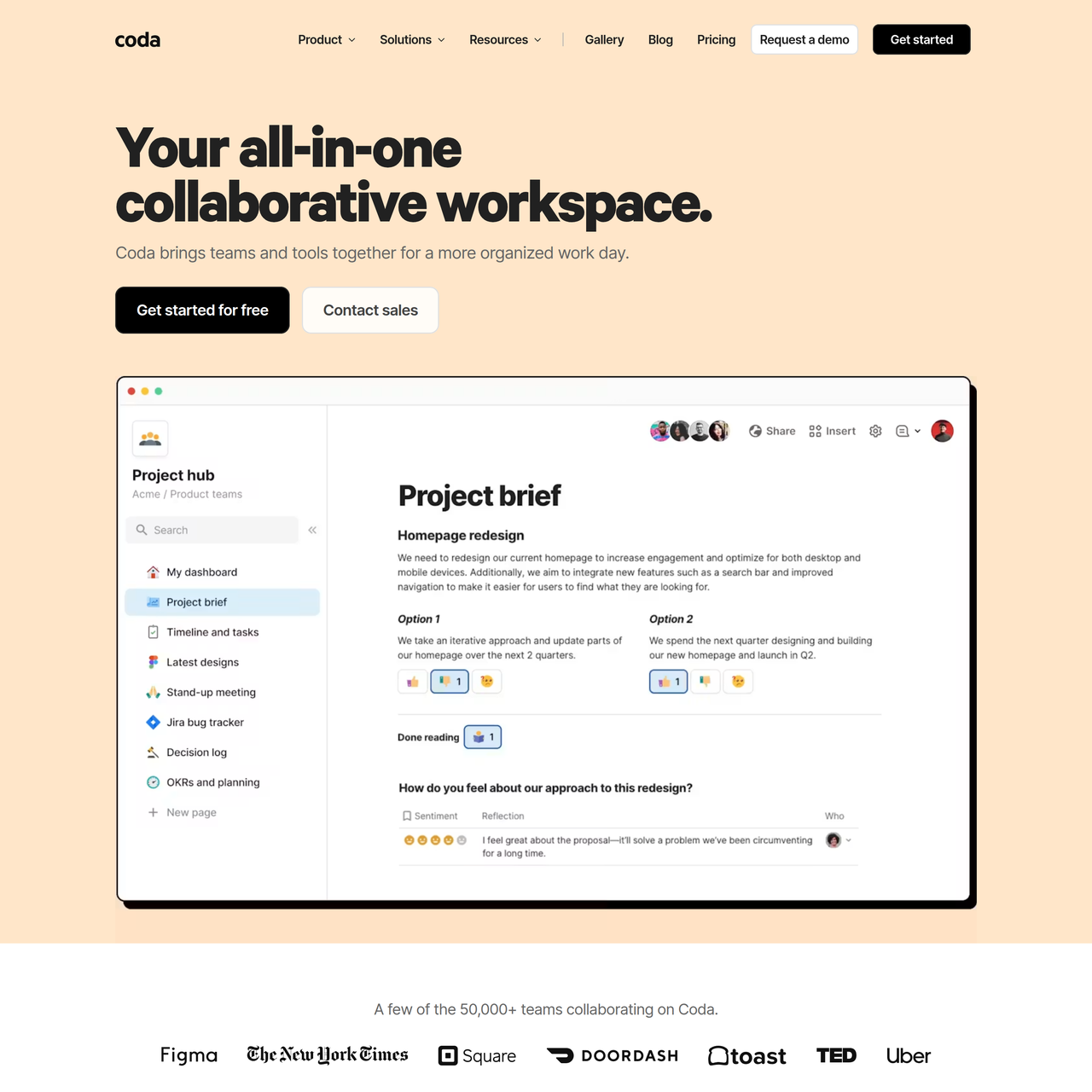
Key Features:
  • Collaborative docs with unlimited pages and objects
  • Connected tables, charts, kanban boards, and forms
  • Powerful formulas & automations
  • Coda AI for content generation and insights
  • Packs for integrating with hundreds of external applications
Pros
  • Teams needing a highly customizable workspace for project management and collaboration.
  • Product and marketing teams looking to consolidate tools and automate workflows.
  • Startups and small businesses seeking a flexible platform to scale their operations.
Cons
  • The extensive customization options can have a learning curve for new users.
  • Performance might be affected in extremely large and complex docs with many integrations.
  • AI credits are tiered and may require add-ons for heavy usage.
Pricing
freemiumFree tier
Starting at:$10/month
Free tier:Unlimited pages and objects for unshared docs, low automation quota, 1GB attachment per doc, manual data refresh for free packs, try AI for free.
Plans
  • Free: For anyone just getting started.
  • Pro: $10/month per Doc Maker (unlimited pages/objects, 30-day version history, some AI credits, daily data refresh for pro packs).
  • Team: $30/month per Doc Maker (unlimited automations, unlimited version history, more AI credits, hourly data refresh for team packs).
  • Enterprise: Custom pricing (SAML SSO, advanced access controls, most AI credits, hourly data refresh for enterprise packs).
Refund:Prorated credit for future charges if members are removed or plan is canceled.
Share:
Quick Decision
Try if: You need a highly flexible and customizable platform to consolidate various team workflows, documents, and data, especially if you value deep integrations and automation.
Skip if: You are looking for a simple, lightweight document editor or spreadsheet, or if your team's needs are met by basic, standalone applications without the need for extensive customization.
Not for: Individuals who only need a basic word processor or spreadsheet.; Teams with very rigid, pre-defined workflows that don't require customization.
Trust Signals
  • Team Size


    large
Compliance
SOC 2 Type II reportHIPAA compliance
Notable Customers
Qualtrics
Tech Details
Platforms
web
Integrations
SpotifyWikipediaDropboxWeatherGmailSlackGoogle CalendarTwilioJiraGitHubFigmaIntercomSalesforceMicrosoft TeamsGongOktaNotionAsanaConfluenceQuipAirtableBoxGoogle MeetOutlook MailOutlook CalendarCommon Room
Open Source
No
Support
Channels
chatemailhelp centercommunitywebinars & trainings
Company
  • Name


    Coda

Coda is a new type of doc that blends the flexibility of documents, the power of spreadsheets, and the utility of apps into a single canvas.

FAQ

What is a 'Doc Maker' in Coda's pricing model?

A 'Doc Maker' is a user who can create and manage docs, pages, folders, and workspaces. They are the only users Coda charges for, while Editors (who can edit existing docs) and Viewers (who can view and comment) are always free.

How does Coda AI work and how are credits consumed?

Coda AI is included for Doc Makers and provides features like brainstorming, content generation, and insights. Credits are Coda's way of measuring AI usage, with 1 credit approximately equal to 40 characters or 7.5 words. Credits are consumed based on the length of both the input prompt and the AI-generated output.

Can I integrate Coda with other tools I use?

Yes, Coda offers 'Packs' that connect your doc to hundreds of external applications like Gmail, Slack, Jira, Salesforce, and more. These Packs allow you to sync, edit, and update data directly from within your Coda docs.

Use Cases
  • Teams needing a highly customizable workspace for project management and collaboration.
  • Product and marketing teams looking to consolidate tools and automate workflows.
  • Startups and small businesses seeking a flexible platform to scale their operations.
AILookup

Research utility for AI tools. Compare reviewed profiles, distinguish listed tools from reviewed coverage, and track tool changes without marketing fluff.

© 2026 AILookup. All rights reserved.