Fellow

Ever wish your meetings could run themselves, leaving you free to focus on the conversation?

RecommendedFellow is a powerful AI meeting assistant that streamlines meeting workflows, enhances collaboration, and ensures accountability, making it an excellent choice for teams aiming for higher meeting efficiency.

Fellow is an AI-powered meeting management platform that automates note-taking, transcription, and summarization across various meeting platforms. It helps teams prepare for meetings, capture key information, and turn conversations into actionable items, enhancing overall meeting productivity.
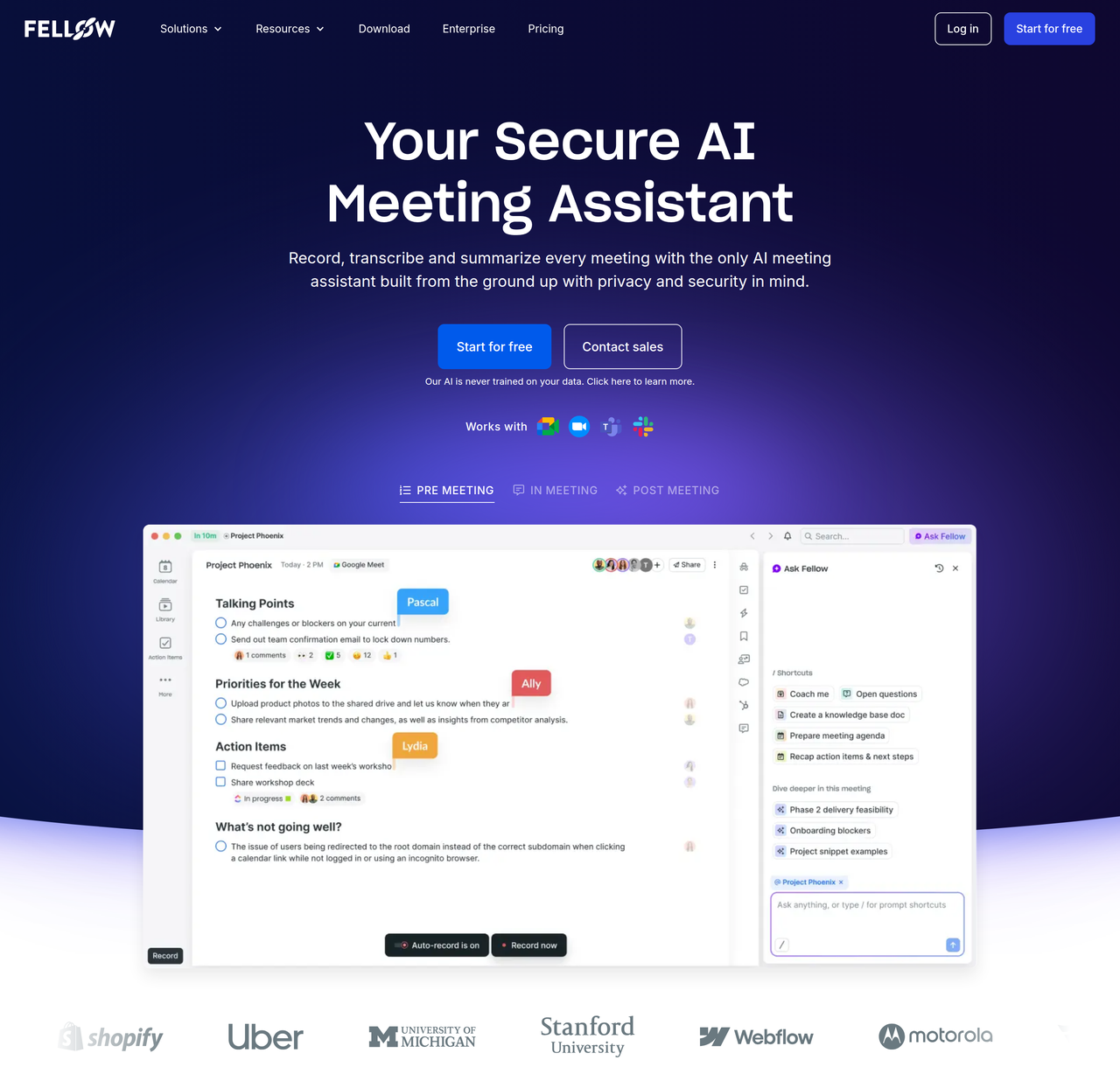
Key Features:
  • AI Meeting Note Taker (transcription, summary, action items in 93 languages)
  • Ask Fellow (AI chatbot for meeting history, document drafting, task management)
  • Meeting Recordings Library with search and organization
  • Audio and video uploads for AI processing
  • Meeting Automations (pre-meeting reminders, no agenda cancellation, post-meeting recaps)
Pros
  • Teams seeking to automate meeting notes, summaries, and action items.
  • Organizations needing advanced security, compliance, and administrative controls for meetings.
  • Sales teams looking for AI-powered recap templates and CRM field updates.
Cons
  • Free plan has limited AI notes and recordings (5 lifetime per user).
  • Full note history is limited to 14 days on the Free plan.
  • Advanced features like CRM integrations and org-wide analytics are only available on higher-tier plans.
Pricing
freemiumFree tier
Starting at:$7/user/month (billed annually)
Free tier:5 AI notes (lifetime)/user, 5 AI recordings (lifetime)/user, max 10 users, 14 days note history
Plans
  • Free: $0/user/month (billed annually), for up to 10 users
  • Team: $7/user/month (billed annually) or $11/user/month (billed monthly), for up to 20 users
  • Business: $15/user/month (billed annually) or $23/user/month (billed monthly), for up to 50 users
  • Enterprise: $25/user/month (billed annually), starts at 10 users, unlimited users
Trial:14-day free trial of paid features, no credit card required
Refund:Annual subscriptions: refunds within 14 days of original purchase or renewal.
Share:
Quick Decision
Try if: You should try Fellow if your team struggles with meeting productivity, inconsistent note-taking, or needs automated summaries and action items. It's particularly beneficial for organizations requiring robust integrations and compliance.
Skip if: Skip Fellow if your team has very few meetings, prefers entirely manual processes, or if the per-user pricing for advanced features is prohibitive for your budget and team size.
Not for: Individuals who rarely attend meetings or prefer manual note-taking.; Teams with very infrequent meetings where the cost-per-user might outweigh the benefits.
Trust Signals
  • Team Size


    medium
Compliance
SOC 2 Type IIHIPAAGDPR
Tech Details
Platforms
webdesktop (macOS, Windows)mobile (iOS, Android)browser extension (Chrome, Firefox)
Integrations
Google MeetZoomMS TeamsSlackGoogle CalendarOffice 365 CalendarGoogle DriveAsanaClickUpConfluenceJiraLinearmonday.comNotionTrelloZapierSalesforceHubspotOktaOneLoginHRIS Sync (GSuite, Office365, BambooHR, Workday)
Open Source
No
Support
Channels
emailchathelp centerdedicated account manager (Enterprise)
Company
  • Name


    Fellow.app

Fellow is a meeting management platform that helps teams have more productive meetings through collaborative agendas, AI-powered note-taking, and actionable insights.

FAQ

How many people can use the free plan?

The free plan is designed for teams of up to 10 people.

What happens to my old notes on the free plan?

Your notes are not deleted. Notes older than 14 days are preserved but inaccessible on the free plan. If you upgrade, you'll regain access to all your historical notes.

Does Fellow use my meeting data to train AI models?

No, Fellow explicitly states that it never uses your meeting data to train AI models. All AI features are covered by Fellow's SOC 2 Type II, HIPAA, and GDPR compliance.

What forms of payment does Fellow support?

Fellow accepts credit card, check, or bank transfer as forms of payment.

How is my bill calculated?

Fellow bills your workspace at the start of each monthly billing cycle based on the number of enabled users at that time. If users are added mid-cycle, a prorated charge is applied. If a user leaves, their seat is freed up for a replacement at no extra cost.

Use Cases
  • Teams seeking to automate meeting notes, summaries, and action items.
  • Organizations needing advanced security, compliance, and administrative controls for meetings.
  • Sales teams looking for AI-powered recap templates and CRM field updates.
AILookup

Research utility for AI tools. Compare reviewed profiles, distinguish listed tools from reviewed coverage, and track tool changes without marketing fluff.

© 2026 AILookup. All rights reserved.