Gemini CLI

Ever wished you could chat with an AI directly from your terminal?

RecommendedA powerful, open-source command-line tool for developers to leverage Google Gemini's AI models directly from the terminal.

The Gemini CLI provides a command-line interface for interacting with Google's Gemini models. It allows developers to integrate Gemini's capabilities into their workflows, scripts, and automation without needing to write extensive code.
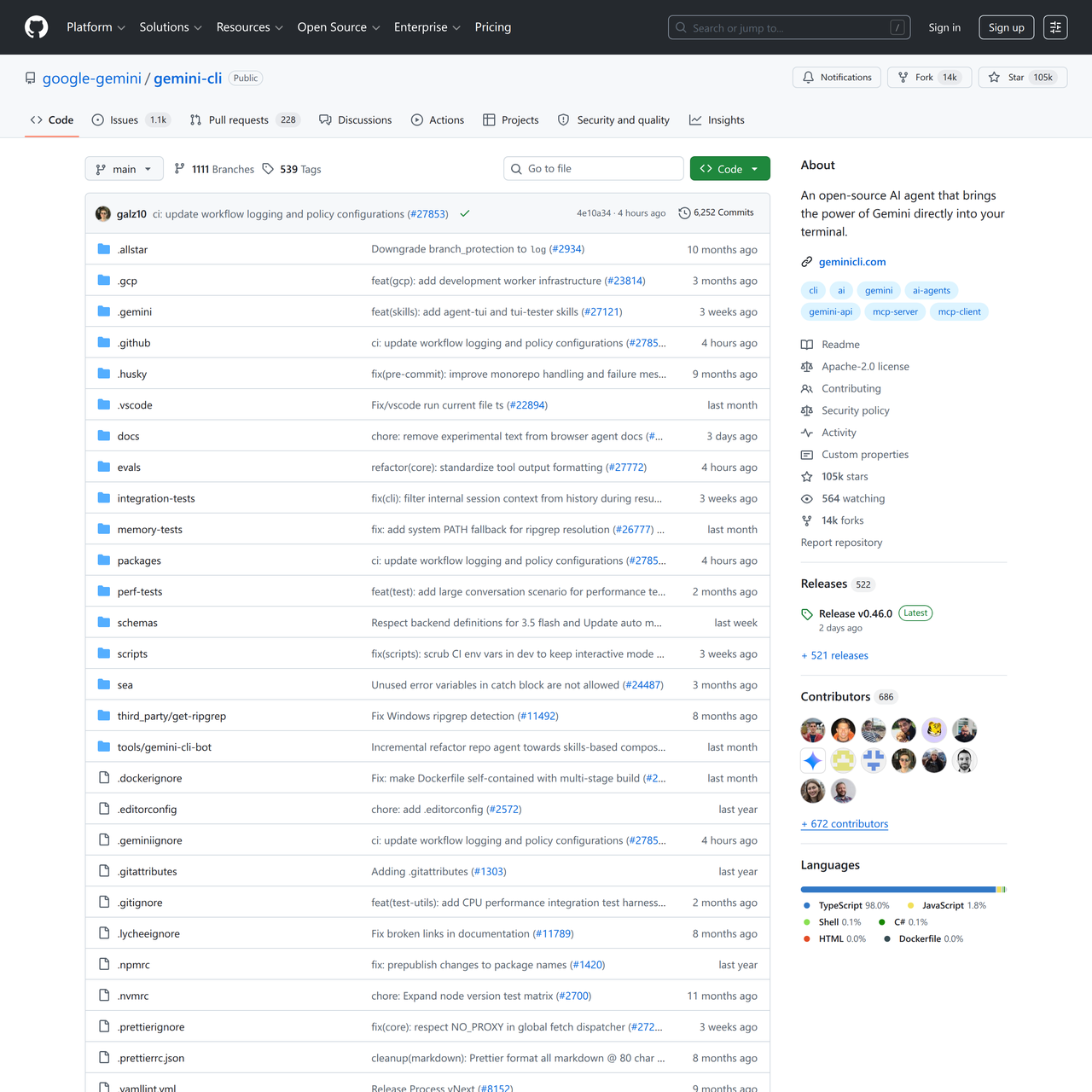
Key Features:
  • Command-line interface for Gemini models
  • Integration with developer workflows
  • Scripting and automation capabilities
  • Text-based AI interaction
  • Open-source project
Pros
  • Developers who prefer command-line interfaces for AI interaction.
  • Engineers looking to integrate AI into shell scripts and automated tasks.
  • Users who want quick, text-based access to Gemini's generative capabilities.
Cons
  • Requires familiarity with command-line tools.
  • Functionality is limited to what the Gemini API offers.
  • May require API key setup for full functionality.
Pricing
freeFree tier
Share:
Quick Decision
Try if: You are a developer who frequently uses the command line and wants to integrate Google Gemini's AI capabilities into your scripts or daily terminal workflow.
Skip if: You prefer graphical interfaces for AI interactions or are not comfortable with command-line tools.
Not for: Users who prefer graphical user interfaces for AI tools.; Non-technical users unfamiliar with command-line operations.
Trust Signals
  • Team Size


    small
Tech Details
Platforms
cli
  • AI Model


    Google Gemini
Open Source
Yes
Support
Channels
GitHub issuescommunity forums
Company
  • Name


    Google
  • Location


    Mountain View, CA

Google is a multinational technology company focusing on online advertising, search engine technology, cloud computing, computer software, quantum computing, e-commerce, artificial intelligence, and consumer electronics.

FAQ

What is the Gemini CLI?

The Gemini CLI is a command-line interface tool developed by Google that allows users to interact with Google's Gemini AI models directly from their terminal. It's designed for developers and those who prefer text-based interactions and scripting.

Is the Gemini CLI free to use?

Yes, the Gemini CLI itself is an open-source project and is free to use. However, usage of the underlying Google Gemini API might incur costs depending on your usage and Google Cloud's pricing for the Gemini models.

How does the Gemini CLI compare to other AI tools like GitHub Copilot?

The Gemini CLI provides direct access to generative AI models for general tasks and scripting, whereas GitHub Copilot is specifically designed for AI-powered code creation and developer workflows within an IDE. While both use AI, their primary use cases and interfaces differ significantly.

Use Cases
  • Developers who prefer command-line interfaces for AI interaction.
  • Engineers looking to integrate AI into shell scripts and automated tasks.
  • Users who want quick, text-based access to Gemini's generative capabilities.
AILookup

Research utility for AI tools. Compare reviewed profiles, distinguish listed tools from reviewed coverage, and track tool changes without marketing fluff.

© 2026 AILookup. All rights reserved.