Glitter AI

What if documenting a process was as simple as doing it once?

RecommendedGlitter AI streamlines the creation of comprehensive documentation by intelligently converting screen recordings and videos into editable, multilingual step-by-step guides.

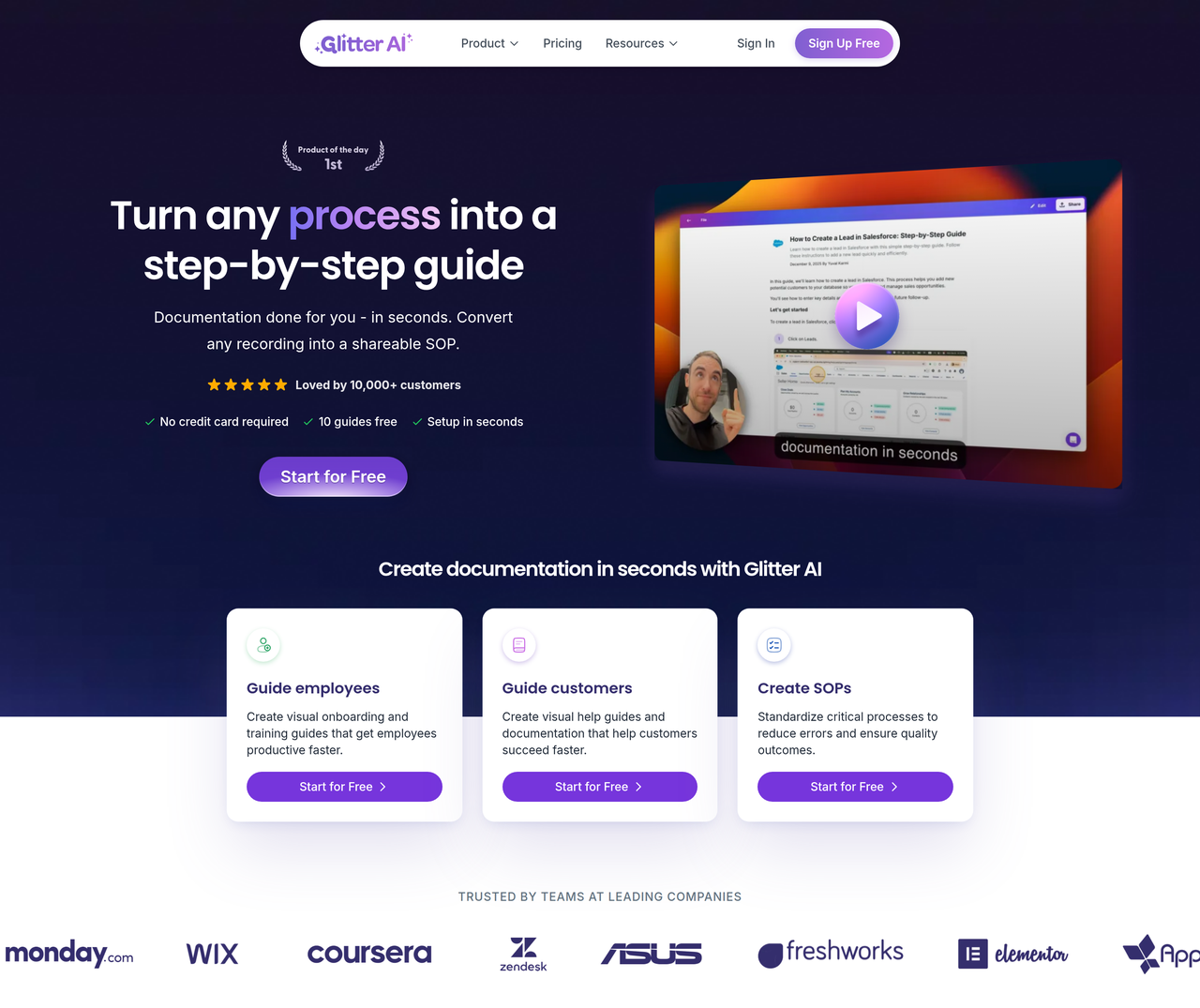
Glitter AI automatically generates step-by-step guides, SOPs, and documentation from screen recordings. Users simply perform a task while recording, and Glitter AI transforms it into a polished guide with screenshots and text, supporting 99 languages and various export formats.
Key Features:
  • SOP Generator: Automatically creates step-by-step SOPs from screen recordings
  • Video to SOP: Converts any existing video into a searchable, editable guide
  • Desktop App & Browser Extension: Captures workflows across all applications and web browsers
  • AI Speech to Text & Translation: Transcribes narration in 99 languages and translates guides
  • Guide Editor: Allows polishing steps, screenshots, and copy with drag-and-drop functionality
Pros
  • IT Administrators rolling out new tools and documenting setup processes
  • Customer Success Managers creating self-serve help guides to reduce support tickets
  • Operations Teams documenting processes for employee onboarding and training
Cons
  • Free plan has a limit of 10 guides and 5-minute recording time
  • Video-to-guide conversion and guide translation consume credits on paid plans
  • Advanced enterprise features like SSO and custom branding are add-ons or require the Enterprise plan
Pricing
freemiumFree tier
Starting at:$20/seat/month
Free tier:10 guides total, 5-minute recording time, desktop + web capture, AI speech to text
Plans
  • Free: 10 guides, 5 min recording, desktop/web capture, AI speech to text
  • Pro: $20/seat/month, unlimited guides, 15 min recording, $20 credits/month, remove branding, PDF/HTML/Markdown export
  • Team: $15/seat/month (min 5 seats), unlimited guides, 30 min recording, $100 credits/month, AI Magic Editor, AI Playbooks, AI Translate, Spoken Transcript Export
  • Enterprise: Custom pricing, unlimited seats/credits, 60 min recording, SAML SSO, Secure Embeds, On-Device Blur, Word/PowerPoint/SCORM Export, Offline Playbook Export, Audit Trail, BAA (HIPAA), Custom Branding, Data Governance
Trial:7-day trial for Team plan
Share:
Quick Decision
Try if: You need to quickly create detailed, step-by-step documentation, SOPs, or training materials from screen recordings or existing videos, especially if multilingual support and AI-powered narration transcription are important.
Skip if: You only need a basic screen recorder without AI-driven documentation features, or your primary need is advanced video editing rather than guide creation.
Not for: Users who primarily need advanced video editing capabilities without documentation generation; Individuals looking for a simple screen recorder without AI-powered guide creation
Trust Signals
  • Users


    10,000+ customers
  • Team Size


    small
Compliance
SOC 2 Type II compliant
Tech Details
Platforms
webdesktopbrowser extension
Integrations
NotionConfluenceSharePointGoogle DocsZendeskIntercom
Open Source
No
Support
Channels
emailchat
Company
  • Name


    Glitter AI, Inc.

Glitter AI is dedicated to simplifying documentation by leveraging AI to automatically create step-by-step guides and SOPs from user actions and voice narration.

FAQ

What is Glitter AI and how does it work?

Glitter AI helps you create step-by-step guides, SOPs, and documentation effortlessly. Simply record yourself carrying out a process and Glitter AI will automatically transform it into a step-by-step guide complete with screenshots and text based on what you said while recording. You can also upload any existing video to convert it into a guide.

Can I upload existing videos to create guides?

Yes! Our video-to-guide feature lets you convert any video into a step-by-step guide — including Zoom and Microsoft Teams recordings, screen recordings from any source, live footage, and mobile screen recordings. Just upload your video and our AI intelligently identifies each step and creates professional documentation automatically.

What languages does Glitter AI support?

Glitter AI supports 99 languages. You can create guides in any language by speaking in your native language while recording. Guides can be written in virtually any language, and you can even auto-translate — record in one language and automatically translate to another.

Is Glitter AI secure for enterprise documentation?

Glitter uses enterprise-grade encryption for data in transit and at rest. We're SOC 2 Type II compliant and never use your content to train AI models. Single sign-on (SSO), audit logs, and data residency options meet enterprise security requirements.

How does Glitter AI compare to other documentation tools?

Glitter AI combines video, voice narration, and smart AI to create professional documentation fast. Unlike other screen recorders that just output videos, or guide tools that only capture clicks, Glitter automatically transcribes what you say as you record and includes it in the guide. AI cleans up your speech, removing filler words. Plus, our desktop app is included in the free plan — many competitors charge for this.

Use Cases
  • IT Administrators rolling out new tools and documenting setup processes
  • Customer Success Managers creating self-serve help guides to reduce support tickets
  • Operations Teams documenting processes for employee onboarding and training
AILookup

Research utility for AI tools. Compare reviewed profiles, distinguish listed tools from reviewed coverage, and track tool changes without marketing fluff.

© 2026 AILookup. All rights reserved.