Magic Studio

What if professional-grade image editing was as simple as a few clicks?

RecommendedMagic Studio democratizes AI-powered image editing, offering a powerful yet simple suite of tools for quick and effective visual content creation.

Magic Studio is an AI-powered image editing suite designed to help users create stunning visuals for product pages, ads, and social media posts without needing design skills. It offers a range of tools for instant clean-up, background transformation, and image generation from text.
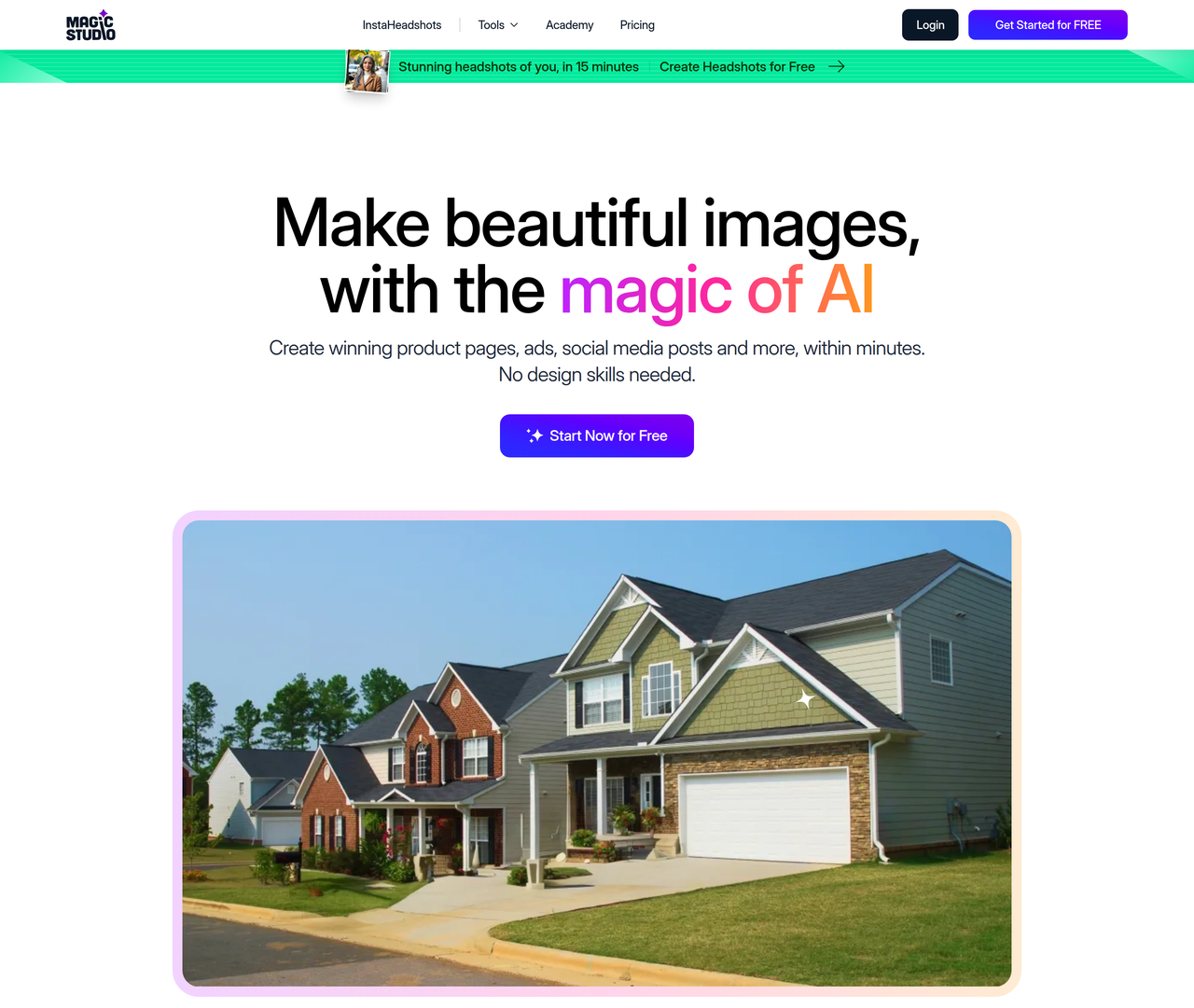
Key Features:
  • Magic Eraser: Remove objects, people, or text with a simple brush stroke.
  • Background Remover: Instantly change or remove image backgrounds.
  • AI Image Generator: Create images from text descriptions.
  • Image Upscaler: Increase image size up to 4K without losing quality.
  • Background Blur: Add professional-looking blur effects to photos.
Pros
  • Small businesses and marketers needing to quickly create engaging product photos and social media content.
  • Individuals without design skills who want to produce high-quality images for personal or professional use.
  • Startups and independent companies looking for cost-effective alternatives to traditional design software.
Cons
  • Free tier has limited resolution downloads and watermarks.
  • Bulk editing is only available for select tools in the PRO plan.
  • The extent of 'finer control' on desktop vs. mobile app is not fully detailed.
Pricing
freemiumFree tier
Starting at:unknown
Free tier:40 AI Generations, limited resolution downloads, watermark, 1 image at a time
Plans
  • Free: Basic access, 40 AI generations, limited resolution, watermark, 1 image at a time.
  • PRO: Unlimited AI generations, high resolution downloads, no watermark, bulk editing for select tools, access across web and apps.
Trial:Free trial for subscriptions, billing info may be required.
Refund:Non-refundable, but refunds may be provided up to 2 days after first purchase and within a day of subsequent renewal.
Share:
Quick Decision
Try if: You should try if you need a fast, user-friendly AI image editor for marketing, social media, or personal projects, especially if you lack design expertise or a budget for complex software.
Skip if: Skip if you require advanced, pixel-level control over your images, need vector graphics capabilities, or prefer open-source solutions.
Not for: Professional graphic designers requiring highly granular control and advanced features found in traditional software.; Users who need to perform complex vector graphics or intricate manual photo manipulations.
Trust Signals
  • Founded


    2020
  • Users


    20 Million users
  • Team Size


    small
Compliance
GDPRCalOPPA
Tech Details
Platforms
webiosandroid
Open Source
No
Support
Channels
emailhelpdesk
  • Response Time


    Strives to respond and act on data deletion requests within 7 business days.
Company
  • Name


    aarzoo, Inc.
  • Location


    United States (data processing)

aarzoo, Inc. operates MagicStudio.com and associated AI-powered image editing and generation services, aiming to make professional image creation accessible to everyone.

FAQ

Is Magic Studio free to use?

Yes, Magic Studio offers a free tier with basic access, 40 AI generations, limited resolution downloads, and a watermark. A PRO plan is available for unlimited features.

Can I use Magic Studio for commercial projects?

Yes, the terms of service imply commercial use is permitted, especially with the PRO plan offering high-resolution, watermark-free downloads suitable for professional use.

What do I get in the PRO plan?

The PRO plan includes unlimited AI generations, high-resolution downloads, no watermarks, bulk editing for select tools, and access across MagicStudio.com and its iOS & Android apps.

What image formats does Magic Studio support?

While not explicitly listed for all tools, Magic Studio offers converters for HEIC to JPG and WEBP to PNG, suggesting support for common image formats. The privacy policy mentions graphical input and output images.

Is my data safe with Magic Studio?

Magic Studio states that the security of your data is important and they strive to use commercially acceptable means to protect Personal Data. They comply with GDPR and CalOPPA, and generally only temporarily store user input and output images for service provision.

Use Cases
  • Small businesses and marketers needing to quickly create engaging product photos and social media content.
  • Individuals without design skills who want to produce high-quality images for personal or professional use.
  • Startups and independent companies looking for cost-effective alternatives to traditional design software.
AILookup

Research utility for AI tools. Compare reviewed profiles, distinguish listed tools from reviewed coverage, and track tool changes without marketing fluff.

© 2026 AILookup. All rights reserved.