MagicSlides

Imagine turning your ideas, documents, or even YouTube videos into stunning presentations instantly.

RecommendedMagicSlides is a versatile AI presentation maker that significantly speeds up deck creation from diverse sources, offering broad language support and multi-platform integration for busy professionals, educators, and students.

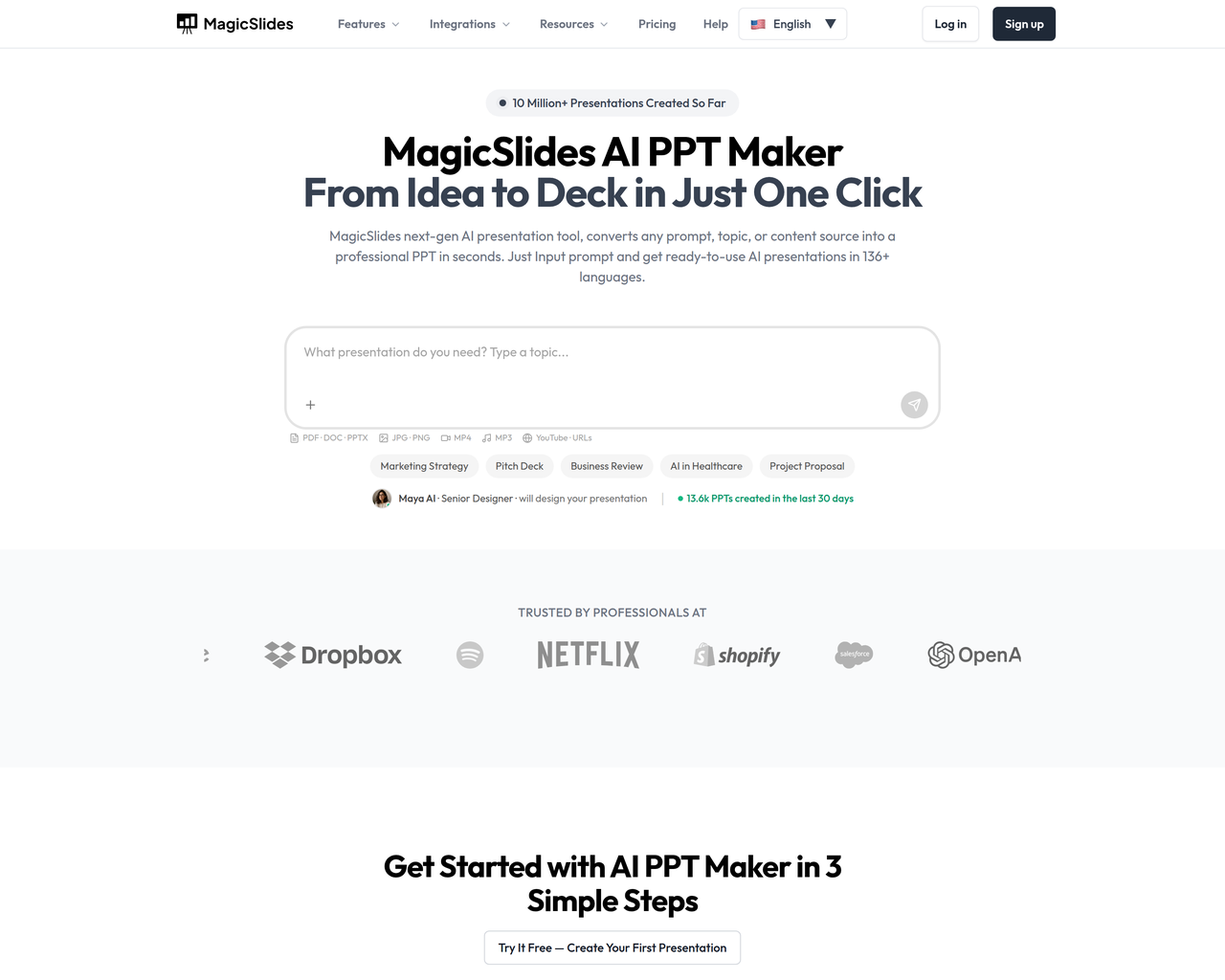
MagicSlides is a next-gen AI presentation tool that converts any prompt, topic, or content source into a professional PPT in seconds. It supports over 136 languages and integrates with popular platforms like Google Slides, PowerPoint, Figma, and ChatGPT.
Key Features:
  • AI-powered content generation from text, topic, URL, PDF, YouTube, DOCX
  • AI Chat assistant for creating, adding, editing, and cloning slides
  • Multi-language support for presentations in 136+ languages
  • Export to PDF, PowerPoint (PPTX), and Google Slides
  • Integration with Google Slides, Figma, ChatGPT, Chrome Extension, Telegram, Zapier
Pros
  • Entrepreneurs pitching ideas and creating business plans
  • Professionals streamlining business presentations and reports
  • Teachers creating engaging lesson plans from various content
Cons
  • Free tier includes a watermark on slides.
  • The extent of design customization beyond templates might be limited by AI suggestions.
  • Reliance on Google Account for licensing and usage.
Pricing
freemiumFree tier
Starting at:$29/month
Free tier:50 AI credits/month, basic AI generation, watermark on slides
Plans
  • Free: $0/month, 50 AI credits/month, basic AI generation, watermark
  • Premium: $29/month (billed monthly), 50 advanced presentations/month, up to 50 slides/presentation, no watermark, all export formats, AI-powered content, integrations
  • Premium Plus: $34/month (billed monthly), unlimited presentations, no watermark, all export formats, HTML Studio with speaker notes, premium AI image models, custom branding & fonts, priority email support
  • Enterprise: Custom/quote, all Premium Plus features plus SSO, dedicated account manager, custom AI templates, onboarding & training, SLA, volume discounts, audit logs
Share:
Quick Decision
Try if: You frequently create presentations from various content types (text, documents, videos, web pages) and need to do so quickly across multiple platforms and languages.
Skip if: You require absolute manual control over every design element and prefer not to use AI for content generation or layout suggestions.
Not for: Users needing highly custom, intricate design control without AI intervention; Individuals who prefer to build presentations entirely from scratch without AI assistance
Trust Signals
  • Founded


    2026
  • Users


    2.3 million+
  • Team Size


    small
Tech Details
Platforms
webapiandroidiosgoogle slides add-onchrome extensionfigma pluginchatgpt integrationtelegram bot
Integrations
Google SlidesFigmaChatGPTTelegramZapierPowerPoint
  • AI Model


    Gemini AI
Open Source
No
Support
Channels
emailwhatsapp
  • Response Time


    24–48 hours for email
Company
  • Name


    IndianAppGuy Tech Pvt Ltd
  • Location


    Pipri Nowgong, Chhatarpur, MP 471201, IN

MagicSlides.app is operated by IndianAppGuy Tech Private Limited, offering an AI-powered presentation creation tool.

FAQ

What content sources can MagicSlides convert into presentations?

MagicSlides can convert prompts, topics, PDF, DOC, YouTube videos, and URLs into presentations.

Does MagicSlides support multiple languages?

Yes, MagicSlides supports creating presentations in over 136 languages.

Can I edit the slides after MagicSlides generates them?

Yes, you can fully customize the layout, content, and design of the slides after they are generated by the AI, just like any normal presentation.

How does the AI Chat feature work?

The AI Chat acts as your presentation assistant, allowing you to create full presentations from scratch, add or edit individual slides, clone existing slides, and refine content or design through natural language commands.

Is my data safe when using MagicSlides?

Yes, MagicSlides states that your content is never stored or shared, and all processing happens securely, keeping your files private.

Use Cases
  • Entrepreneurs pitching ideas and creating business plans
  • Professionals streamlining business presentations and reports
  • Teachers creating engaging lesson plans from various content
AILookup

Research utility for AI tools. Compare reviewed profiles, distinguish listed tools from reviewed coverage, and track tool changes without marketing fluff.

© 2026 AILookup. All rights reserved.