Muse Pro

What if your drawing tools could anticipate your next stroke and bring your vision to life in real-time?

RecommendedMuse Pro offers a unique blend of traditional drawing tools and real-time AI assistance, providing a powerful new way for iOS artists to create and refine their work.

Muse Pro is a next-generation drawing tool that combines familiar artistic tools with groundbreaking AI, allowing users to own the composition and elevate their creativity. It offers real-time AI guidance as you draw, supporting Apple Pencil with pressure sensitivity, and provides intuitive controls to fine-tune the AI's output.
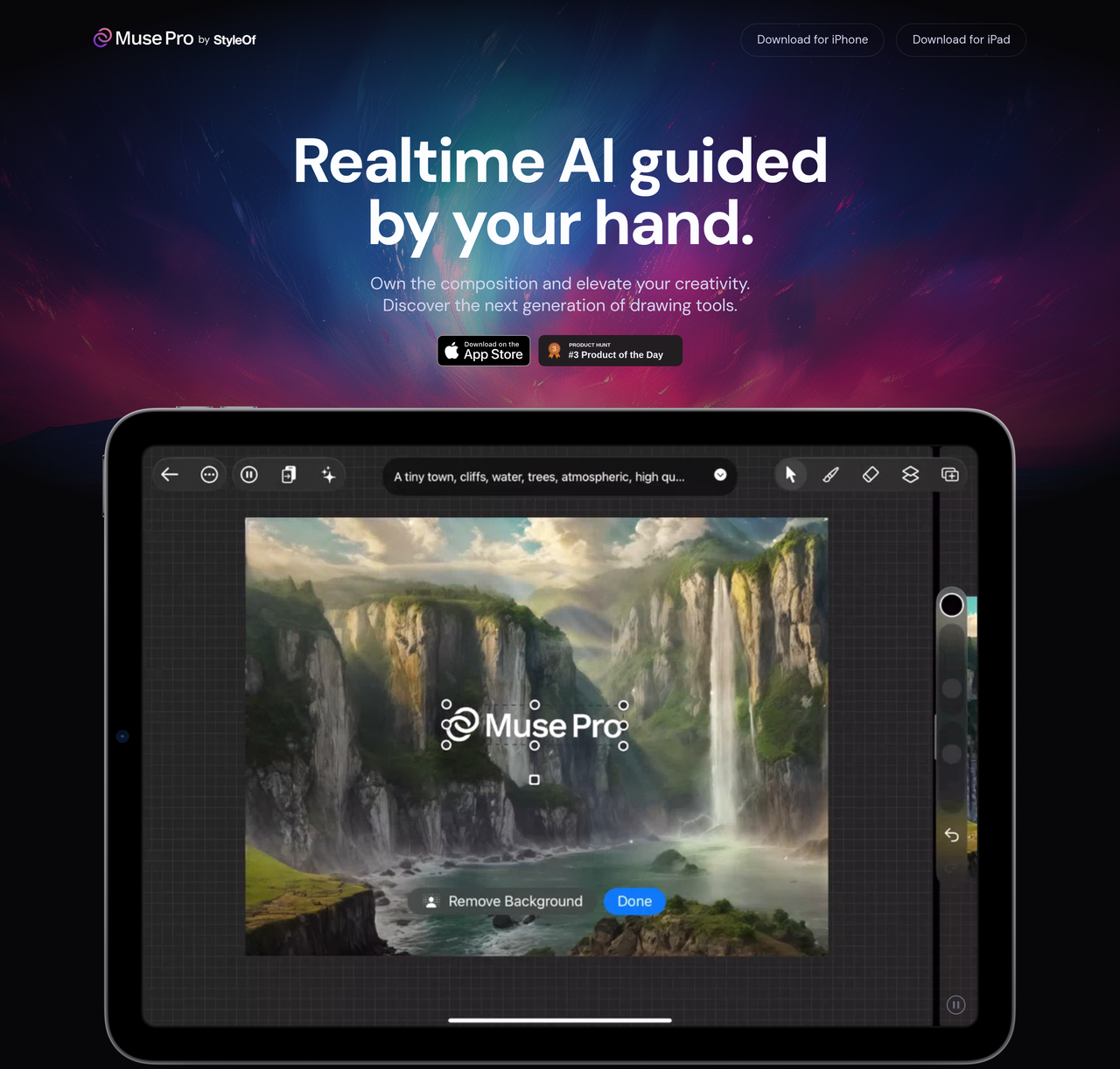
Key Features:
  • Realtime AI guidance with Apple Pencil pressure sensitivity.
  • Prompting capabilities including Text-to-Image, Randomize, and Enhance.
  • Intuitive AI control sliders for fine-tuning output and shuffling seeds.
  • Enhance feature for one-tap detail polishing and upscaling.
  • Layers, assets (shapes, images, text), and a diverse brush library.
Pros
  • Digital artists looking to integrate AI into their creative workflow without losing control.
  • Illustrators and designers seeking tools for rapid ideation and exploration of visual concepts.
  • Creatives who want to enhance details and polish their artwork with AI-powered features like upscaling and enhancement.
Cons
  • Currently only available on Apple devices (iPhone and iPad).
  • The extent of 'free' usage before subscription is not explicitly detailed.
  • Reliance on AI means the output quality can vary and may require user refinement.
Pricing
freemiumFree tier
Starting at:unknown
Free tier:Experience creative collaboration with AI for free (specific limits not detailed)
Trial:Give Muse Pro a try for free
Share:
Quick Decision
Try if: You are an iOS artist looking for an innovative drawing app that integrates real-time AI to assist and enhance your creative process, offering both control and generative capabilities.
Skip if: You prefer traditional drawing methods without AI intervention, require a desktop or Android application, or need a completely free and unlimited AI art generation tool.
Not for: Traditional artists who prefer purely manual drawing without AI assistance.; Users who require a web-based drawing application, as Muse Pro is an iOS app.; Those looking for a free, fully-featured AI art generator without any subscription model.
Trust Signals
  • Founded


    2024
  • Team Size


    small
Tech Details
Platforms
iPhoneiPad
Open Source
No
Support
Company
  • Name


    Muse Pro
  • Location


    unknown

Muse Pro is a company focused on developing next-generation AI-powered drawing tools for creatives.

FAQ

Is Muse Pro free to use?

Yes, Muse Pro offers a free trial to experience creative collaboration with AI. Specific limitations of the free version are not detailed on the website.

What devices is Muse Pro available on?

Muse Pro is available for download on iPhone and iPad via the Apple App Store.

How does Muse Pro's AI work with my drawing?

Muse Pro's AI works in real-time, guided by your strokes and supporting Apple Pencil pressure sensitivity. You can also use text prompts to guide the AI and fine-tune its output with intuitive sliders.

Use Cases
  • Digital artists looking to integrate AI into their creative workflow without losing control.
  • Illustrators and designers seeking tools for rapid ideation and exploration of visual concepts.
  • Creatives who want to enhance details and polish their artwork with AI-powered features like upscaling and enhancement.
AILookup

Research utility for AI tools. Compare reviewed profiles, distinguish listed tools from reviewed coverage, and track tool changes without marketing fluff.

© 2026 AILookup. All rights reserved.