PDF Candy Editor

What if you could manage all your PDF needs with a single, intuitive platform?

NichePDF Candy is a robust and feature-rich PDF management platform that combines essential editing and conversion tools with modern AI capabilities, making it a strong contender for both casual and professional users.

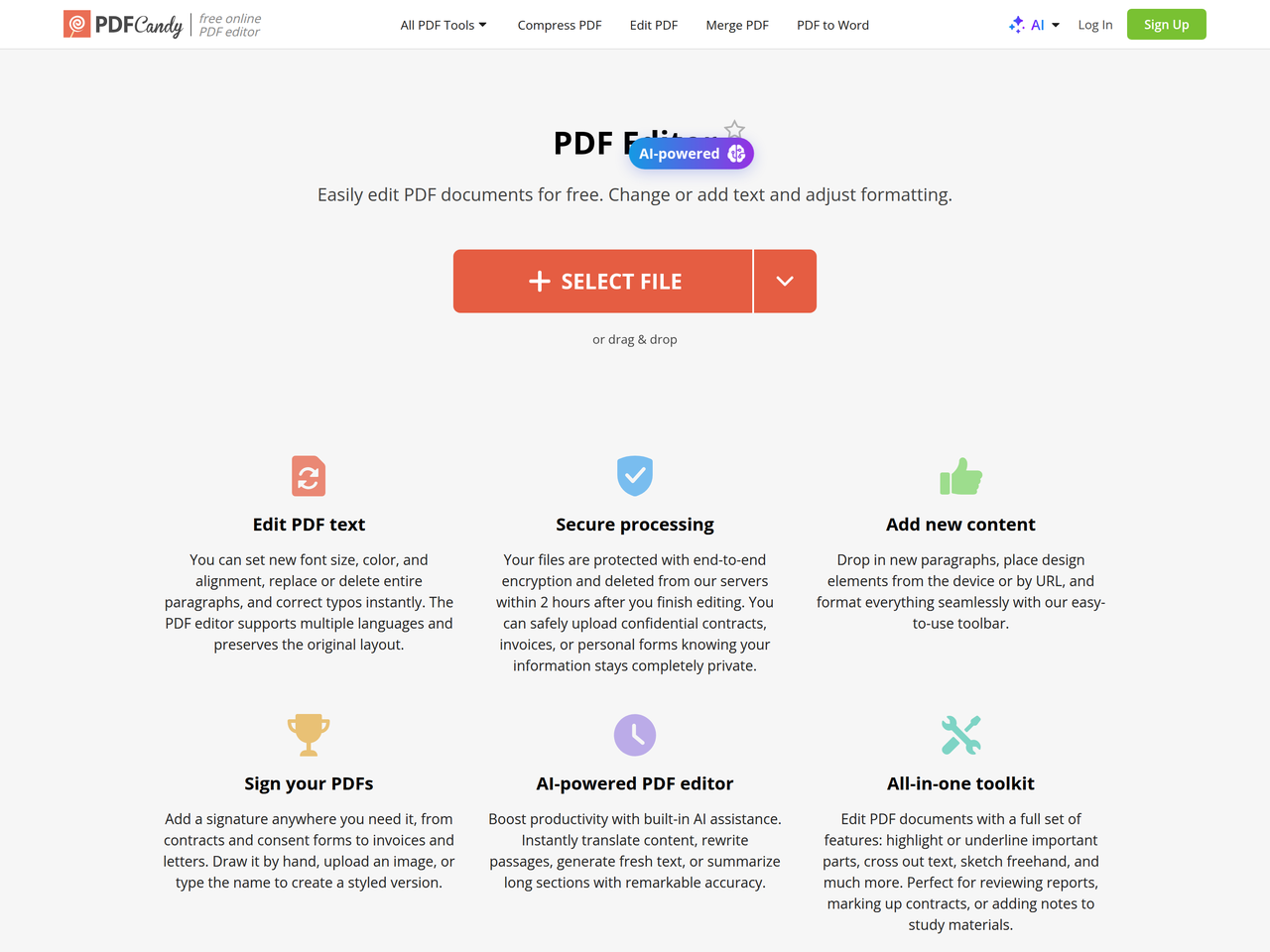
PDF Candy offers a comprehensive suite of free online and offline tools for managing PDF files, including editing, converting, splitting, merging, and more. It provides a simple and intuitive interface for various PDF tasks, with AI-powered features for summarization, translation, and chat.
Key Features:
  • Edit PDF text, add images, and adjust formatting.
  • AI-powered PDF summarization, translation, and chat.
  • Comprehensive PDF conversion tools (to and from PDF).
  • Batch processing for multiple PDF tasks.
  • Integration with Dropbox and Google Drive for easy file management.
Pros
  • Individuals needing to quickly edit, convert, or manage PDF documents online for free.
  • Businesses looking for an affordable and comprehensive PDF solution with batch processing and cloud integration.
  • Freelancers and students who require AI assistance for summarizing, translating, or chatting with PDF documents.
Cons
  • Free version has hourly usage limits and a 50 MB file size limit per task.
  • Desktop version is only available for Windows.
  • Some advanced PDF editing features might require a paid subscription.
Pricing
freemiumFree tier
Starting at:4€/month
Free tier:Hourly limits, 50 MB file size per task, no batch processing, limited desktop operations.
Plans
  • Free: Limited usage, no batch processing, limited file size.
  • Desktop + Web Yearly: 4€/month (billed annually at 48€), includes web and desktop access, no hourly limits, 500 MB file size, high priority processing, Video Candy WEB, Image Candy WEB.
  • Web Monthly: 6€/month, includes web access, no hourly limits, 500 MB file size, high priority processing.
  • Desktop + Web Lifetime: 99€ (one-time payment), includes web and desktop access.
Refund:30-day guarantee
Share:
Quick Decision
Try if: You need a versatile and user-friendly PDF tool with a strong free tier and optional AI features for summarization, translation, and chat. It's also a good choice if you need a desktop application for Windows for offline use.
Skip if: You require highly specialized PDF editing capabilities or are looking for a purely open-source solution. Users on macOS or Linux who need a desktop application will also need to look elsewhere.
Not for: Users who require advanced, highly specialized PDF editing features not typically found in online tools.; Organizations with strict data residency requirements that prohibit cloud-based PDF processing.
Trust Signals
  • Founded


    2016
  • Users


    7,900,000,000+ files processed
  • Team Size


    medium
Compliance
GDPRISO certification
Tech Details
Platforms
webwindows
Integrations
DropboxGoogle Drive
Open Source
No
Support
Channels
emailhelp center
  • Response Time


    Within 2 business days for technical support tickets
Company
  • Name


    PDF Candy
  • Location


    Unknown

Since 2016, PDF Candy has been offering a comprehensive set of free online and offline tools to manage PDF files, including editing, converting, splitting, merging, and more. Developed by the Icecream Apps team, the platform combines proven reliability with high-quality processing.

FAQ

Can I use PDF Candy without an account?

Yes, all tools are available without registration. However, usage will be limited until you sign up or subscribe.

Are my files safe when I upload them to PDF Candy?

Yes, files are transferred via secure HTTPS connections using TLS/SSL protocols and are protected with 256-bit AES encryption. They are automatically deleted after two hours.

What are the benefits of a paid subscription?

A paid plan removes hourly limitations, increases file size per task up to 500 MB, provides faster execution, and enables batch processing.

What types of changes can I make with the PDF editor?

You can edit text, add images, highlight, reorder or insert pages, annotate, and sign the PDF. You can also set new font size, color, and alignment, replace or delete entire paragraphs, and correct typos.

Is a watermark added to my files when I edit PDFs?

No, the service keeps the document intact without adding any watermarks.

Use Cases
  • Individuals needing to quickly edit, convert, or manage PDF documents online for free.
  • Businesses looking for an affordable and comprehensive PDF solution with batch processing and cloud integration.
  • Freelancers and students who require AI assistance for summarizing, translating, or chatting with PDF documents.
AILookup

Research utility for AI tools. Compare reviewed profiles, distinguish listed tools from reviewed coverage, and track tool changes without marketing fluff.

© 2026 AILookup. All rights reserved.