Retouch4Me

What if AI could handle the tedious parts of retouching, leaving you free to create?

RecommendedRetouch4me provides powerful AI-driven plugins that automate tedious retouching tasks for photos and videos, offering speed and quality for professionals.

Retouch4me offers a suite of AI plugins designed to automate routine retouching tasks for photographers and videographers. It focuses on preserving natural textures and providing creative control, integrating seamlessly into existing workflows.
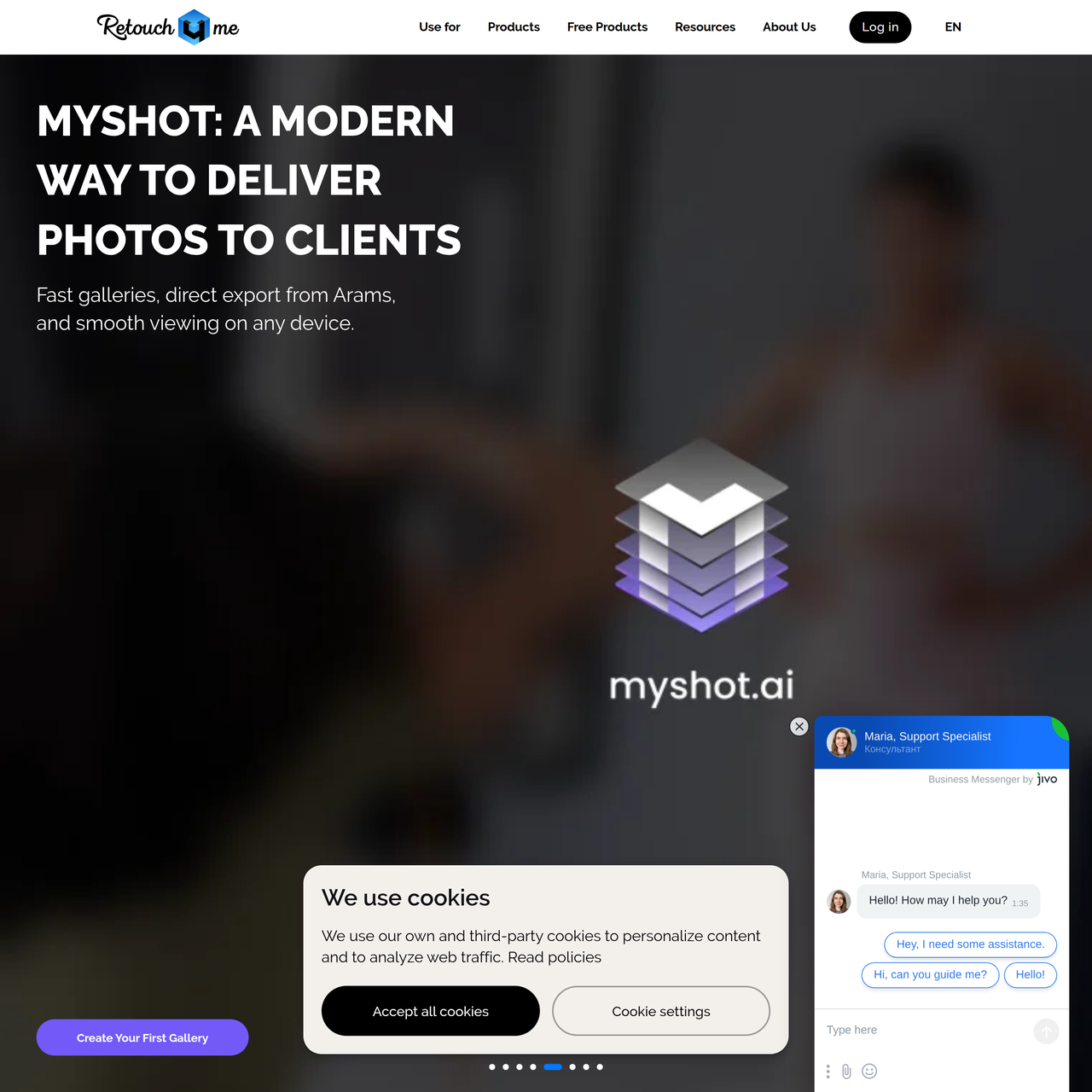
Key Features:
  • AI-powered skin retouching (Heal, Mattifier, Dodge & Burn, Skin Tone)
  • Automatic photo culling and batch processing (Arams)
  • All-in-one AI retouching plugin with real-time preview (Apex)
  • AI plugins for automatic video retouching and color grading
  • Tools for cleaning backgrounds, removing stray hairs, and fixing fabric wrinkles
Pros
  • Professional photographers needing to speed up skin, lighting, and detail adjustments.
  • Videographers looking to automate video retouching and color grading.
  • E-commerce businesses requiring consistent, high-quality product photos quickly.
Cons
  • Requires Windows 10+ or macOS 10.15+ and specific hardware for optimal performance.
  • Some features, like Apex, rely on cloud processing, requiring an internet connection.
  • The pricing model involves purchasing individual plugins or bundles, which can add up.
Pricing
freemiumFree tier
Starting at:$145
Free tier:20 free retouches upon registration, free demo downloads for individual plugins, free RAW Bank access, free LUT store access, free Frequency Separation and Color Match Free plugins.
Plans
  • Heal: $145
  • Crop: $145
  • Dust: $145
  • Apex: Pricing not explicitly stated, but offers 20 free credits.
  • Arams: Downloadable, pricing not explicitly stated.
  • Cloud Retouch: $0.10/photo
Trial:20 free retouches upon registration, free demo downloads for plugins
Share:
Quick Decision
Try if: You are a professional photographer or videographer looking to significantly reduce manual retouching time while maintaining high-quality, natural-looking results. You value tools that integrate into existing workflows and offer creative control.
Skip if: You are on a very tight budget and require a completely free solution, or you prefer to meticulously manually edit every detail without any AI assistance.
Not for: Users seeking a free, all-in-one photo editing suite for general purposes.; Individuals who prefer complete manual control over every pixel without any AI assistance.
Trust Signals
  • Founded


    2019
  • Users


    300,000+
  • Team Size


    medium
Notable Customers
Unmesh Dinda (PiXimperfect)Marc PerinoThomas VolandStefano TealdiMauro Licul
Tech Details
Platforms
webdesktop
Integrations
Photoshop
Open Source
No
Support
Channels
emailchatFAQtutorialswebinars
Company
  • Name


    RELU OÜ
  • Location


    Tallinn, Estonia

Retouch4me provides AI-powered tools for retouching photos and videos, created by photographers for photographers. They develop and train all AI models in-house from scratch, using only their own datasets and examples of professional retouching, ensuring full control over quality, results, and technology development.

FAQ

What is Retouch4me Apex?

Retouch4me Apex is an all-in-one AI retouching plugin that combines the power of multiple Retouch4me plugins. It offers precise AI-driven processing for skin, clothes, and backgrounds with real-time preview and cloud processing, allowing users to maintain full control over settings.

How does Retouch4me handle skin retouching while preserving natural texture?

Retouch4me's AI plugins, such as Heal, are designed to fix minor skin defects like blemishes and pimples without over-smoothing. They preserve the natural skin texture, ensuring a professional and authentic look.

Can Retouch4me be used for video editing?

Yes, Retouch4me offers AI plugins specifically for automatic retouching and color grading of videos. This helps videographers save significant time on manual video editing tasks.

What are the system requirements for Retouch4me plugins?

Retouch4me plugins generally require Windows 10 (x64) or Windows 11, or macOS 10.15+. Hardware requirements include at least 6 GB RAM, a 64-bit (x64) processor (1.2 GHz or faster), and a GPU with 4GB RAM or Intel CPU with OpenCL 1.1 support for PC, or a Mac from 2015 or later with Intel, M1-M3 or newer CPUs.

Is there a free trial or free version available for Retouch4me products?

Yes, Retouch4me offers 20 free retouches upon registration, allowing users to test the capabilities of their tools. They also provide free demo downloads for individual plugins and offer free products like Frequency Separation and Color Match Free.

Use Cases
  • Professional photographers needing to speed up skin, lighting, and detail adjustments.
  • Videographers looking to automate video retouching and color grading.
  • E-commerce businesses requiring consistent, high-quality product photos quickly.
AILookup

Research utility for AI tools. Compare reviewed profiles, distinguish listed tools from reviewed coverage, and track tool changes without marketing fluff.

© 2026 AILookup. All rights reserved.