SketchPro AI

Imagine controlling your Revit models with simple text commands, while retaining full oversight.

RecommendedSketchPro offers a secure, human-centric AI copilot for Revit, empowering users to enhance their BIM workflows while maintaining complete control over their models and data.

SketchPro is an AI-powered copilot that integrates directly into Autodesk Revit, allowing users to generate and modify BIM models and documentation through natural language commands. It emphasizes a human-in-the-loop approach, ensuring users maintain explicit control over all changes.
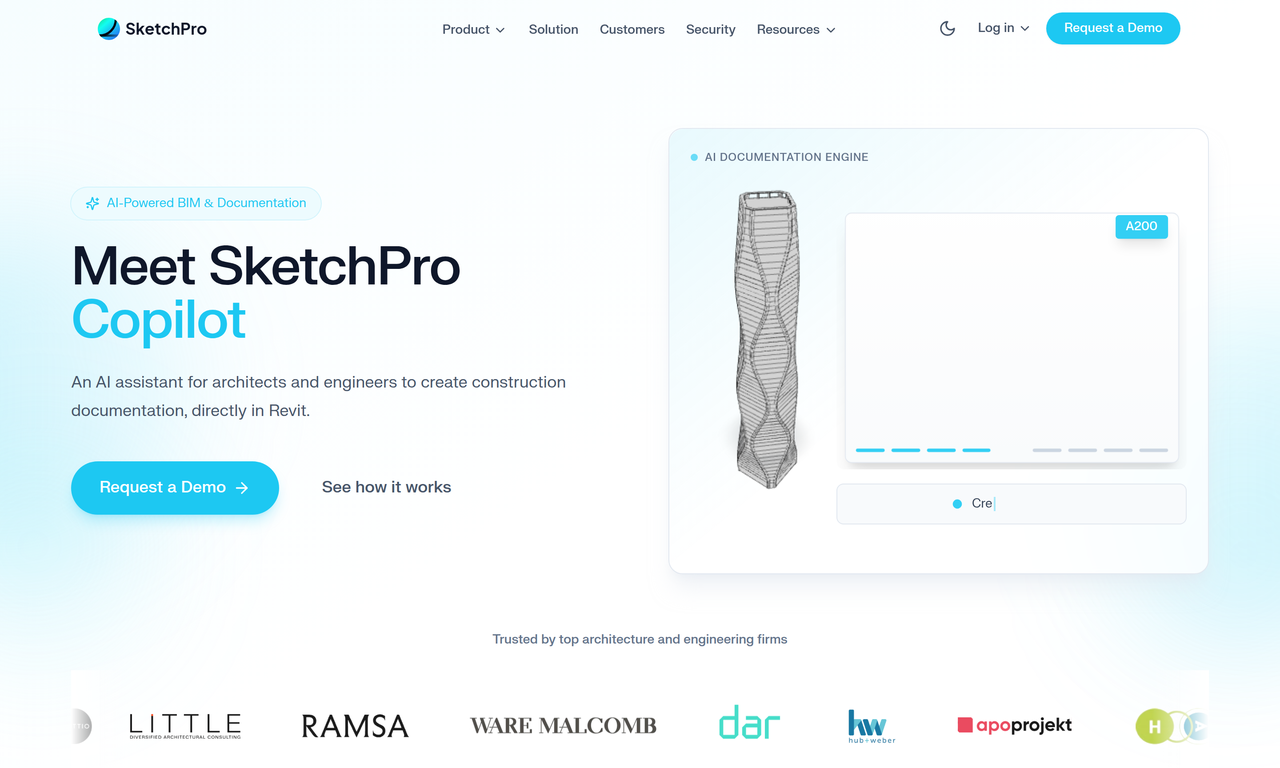
Key Features:
  • Native Revit Add-in for direct integration.
  • Human-in-the-loop approval for all model changes.
  • Local processing of Revit models; only text commands and metadata are sent to AI.
  • End-to-end encryption for all communications and data at rest.
  • Audit trail for compliance and review of all operations.
Pros
  • Revit users looking to accelerate BIM modeling and documentation workflows with AI assistance.
  • Architects and engineers who want to leverage AI without compromising control over their design data.
  • Firms requiring strict data security and compliance, as models stay local and data is not used for AI training.
Cons
  • Requires Autodesk Revit, limiting its use to that specific platform.
  • The AI's effectiveness is dependent on the quality of text commands and project context.
  • Company was founded in 2026, which seems to be a typo in the scraped content, suggesting it's a very new or upcoming product.
Pricing
unknown
Share:
Quick Decision
Try if: You are a Revit user seeking an AI assistant that prioritizes user control and data privacy, allowing you to streamline workflows without fully automating critical design decisions.
Skip if: You are looking for a standalone AI design tool outside of Revit, or you prefer a fully autonomous AI solution that doesn't require manual approval for changes.
Not for: Users who prefer fully automated AI solutions without manual review steps.; Individuals not working within the Autodesk Revit ecosystem.
Trust Signals
  • Founded


    2026
Tech Details
Platforms
Revit Add-in
Integrations
Autodesk Revit
Open Source
No
Support
Channels
email
Company
  • Name


    SketchPro Technologies, Inc.
FAQ

How do I review and control documentation changes?

SketchPro uses a human-in-the-loop approach. You will see a preview of any proposed changes to your Revit model and can approve, modify, or cancel the operation before it's applied. Nothing happens without your explicit consent.

How is my data handled and secured?

Your Revit models never leave your local computer. Only text commands and metadata are sent to SketchPro's AI engine, which does not store or train on your data. All communication is encrypted with TLS 1.3, and data at rest is encrypted with AES-256.

Which Revit versions are supported?

The specific Revit versions supported are not detailed, but SketchPro provides a downloadable plugin for Autodesk Revit. The company reserves the right to discontinue support for older versions of the Client Software or Host Application with 90 days' notice.

Does SketchPro use my data to train its AI models?

No, SketchPro explicitly states that it does not use your projects, documents, or conversations to train its AI models. Your data remains yours alone.

What are the IT requirements for using SketchPro?

SketchPro runs as a native Revit Add-in. Users are responsible for maintaining their own equipment, including hardware, software, and network, and for the security of their accounts and passwords. Specific IT requirements beyond a functional Revit installation are not detailed.

Use Cases
  • Revit users looking to accelerate BIM modeling and documentation workflows with AI assistance.
  • Architects and engineers who want to leverage AI without compromising control over their design data.
  • Firms requiring strict data security and compliance, as models stay local and data is not used for AI training.
AILookup

Research utility for AI tools. Compare reviewed profiles, distinguish listed tools from reviewed coverage, and track tool changes without marketing fluff.

© 2026 AILookup. All rights reserved.