SlidesAI

Imagine creating a full presentation from a single prompt, ready to edit and present in minutes.

NicheSlidesAI is a highly effective AI presentation generator that integrates directly into Google Slides and PowerPoint, streamlining the creation process from text to polished slides in minutes.

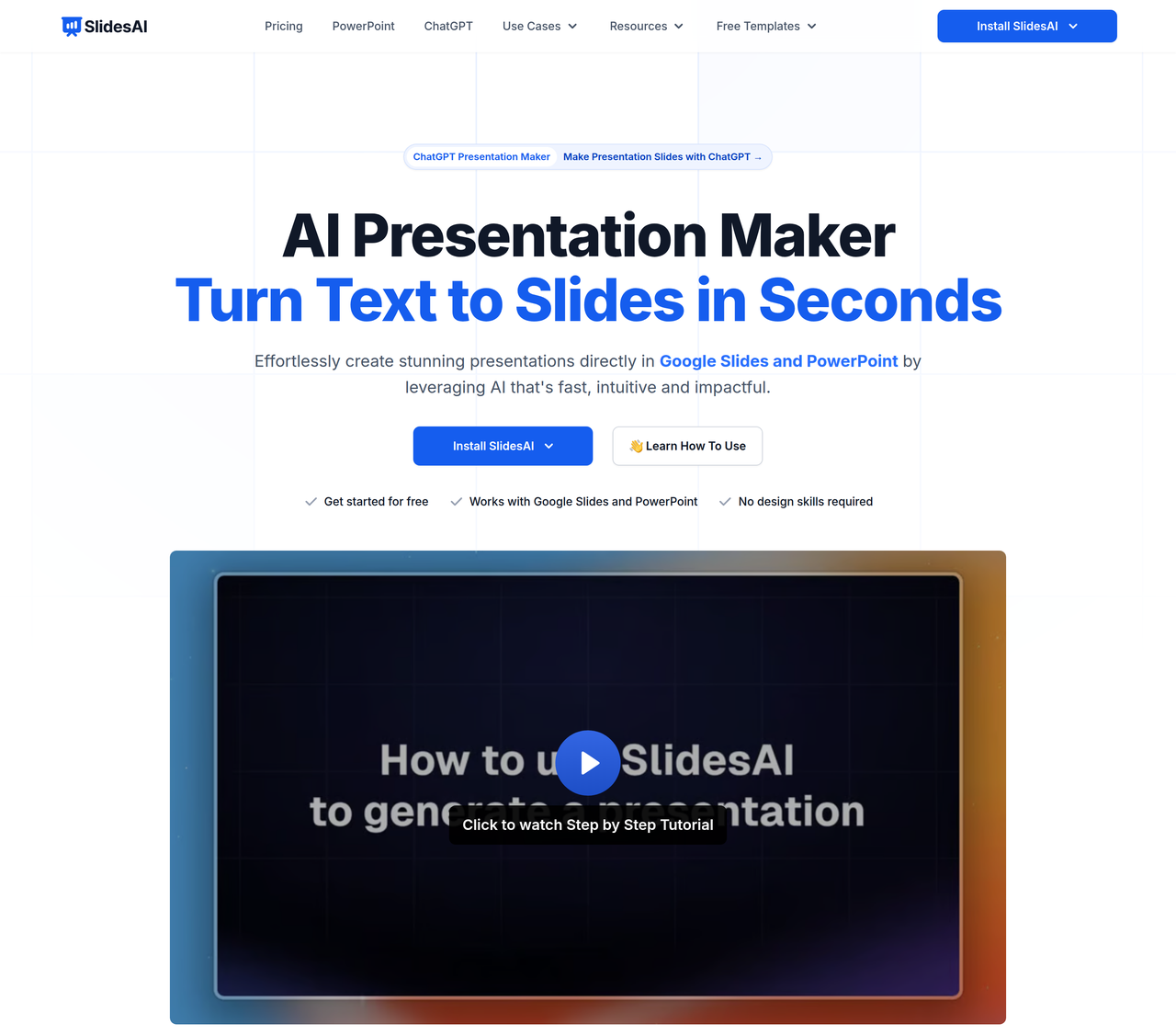
SlidesAI is an AI-powered presentation maker that effortlessly creates stunning presentations directly in Google Slides and PowerPoint. It converts text, topics, or documents into professional slides, handling design, content organization, and visual generation.
Key Features:
  • Text to Presentation with AI (from prompt, notes, or documents)
  • Native integration with Google Slides and PowerPoint
  • AI-powered customization (rephrase, shorten, translate, regenerate slides)
  • AI image generation and stock image search
  • Supports over 100 languages for content creation and translation
Pros
  • Students needing to quickly create academic presentations
  • Educators looking to generate engaging lesson slides from notes
  • Professionals who want to save time on presentation design and content creation
Cons
  • Free plan has limited presentations and character input per year
  • Custom template usage is not directly supported, though branding can be applied
  • Advanced design features might still require manual adjustments within Google Slides or PowerPoint
Pricing
freemiumFree tier
Starting at:€8.62/month
Free tier:12 Presentations / year, 2500 Character Input / Presentation, 120 AI Credits / year
Plans
  • Basic: €0.00/month (12 Presentations/year, 2500 Char Input/Presentation, 120 AI Credits/year)
  • Pro: €8.62/month (billed annually at €103.44/year) (120 Presentations/year, 6000 Char Input/Presentation, 600 AI Credits/year, Document Upload)
  • Premium: €17.96/month (billed annually at €215.49/year) (Unlimited Presentations, 12000 Char Input/Presentation, 1200 AI Credits/year, Document Upload)
Refund:Refund Policy available
Share:
Quick Decision
Try if: You frequently create presentations in Google Slides or PowerPoint and want to significantly reduce the time spent on initial drafting and design, especially if you work with text-heavy content or need multilingual support.
Skip if: Skip if you require extremely niche or advanced design functionalities that go beyond what standard presentation software offers, or if you prefer a completely standalone AI presentation tool not integrated with existing platforms.
Not for: Users who prefer standalone presentation software outside of Google Slides or PowerPoint; Individuals requiring highly complex, custom animations or advanced design features not supported by basic integrations
Trust Signals
  • Founded


    2023
  • Users


    14M+
  • Team Size


    small
Compliance
GDPR
Notable Customers
AmazonMicrosoftNVIDIAHubSpotMIT
Tech Details
Platforms
web
Integrations
Google SlidesMicrosoft PowerPointChatGPT
Open Source
No
Support
Channels
emailchat
  • Response Time


    super fast and helpful
Company
  • Name


    Zesterv LLC (SlidesAI)
  • Location


    Sharjah, United Arab Emirates

SlidesAI was founded in January 2023 by Anurag Bhagsain to make presentations effortless for everyone by leveraging AI to handle design, allowing users to focus on their ideas.

FAQ

Do I need a Google Workspace Account to use SlidesAI?

No, if you have a regular Gmail account, you can use SlidesAI. You don't need a Google Workspace account. Just install SlidesAI from the Google Workspace Marketplace.

Can I use SlidesAI with both Google Slides and Microsoft PowerPoint?

Yes, SlidesAI works seamlessly with both Google Slides and Microsoft PowerPoint, allowing you to create and edit presentations in your preferred platform.

Is SlidesAI free to use?

SlidesAI offers a free plan with limited usage. For more features and higher limits, paid plans are available. The ChatGPT integration is also available to free users with limited monthly generations.

Can I customize the presentations generated by SlidesAI?

Absolutely! After SlidesAI generates your presentation, you can fully customize the text, layout, colors, and images to fit your style and requirements directly within Google Slides or PowerPoint.

How does SlidesAI compare to Microsoft Copilot for PowerPoint?

SlidesAI is an independent AI PowerPoint add-in with a free tier, offering text-to-PPT, PDF-to-slides, multilingual output, and AI image generation without requiring a Copilot subscription. Microsoft Copilot is a paid Microsoft 365 subscription feature.

Use Cases
  • Students needing to quickly create academic presentations
  • Educators looking to generate engaging lesson slides from notes
  • Professionals who want to save time on presentation design and content creation
AILookup

Research utility for AI tools. Compare reviewed profiles, distinguish listed tools from reviewed coverage, and track tool changes without marketing fluff.

© 2026 AILookup. All rights reserved.